Vendors, contractors, and who is doing what
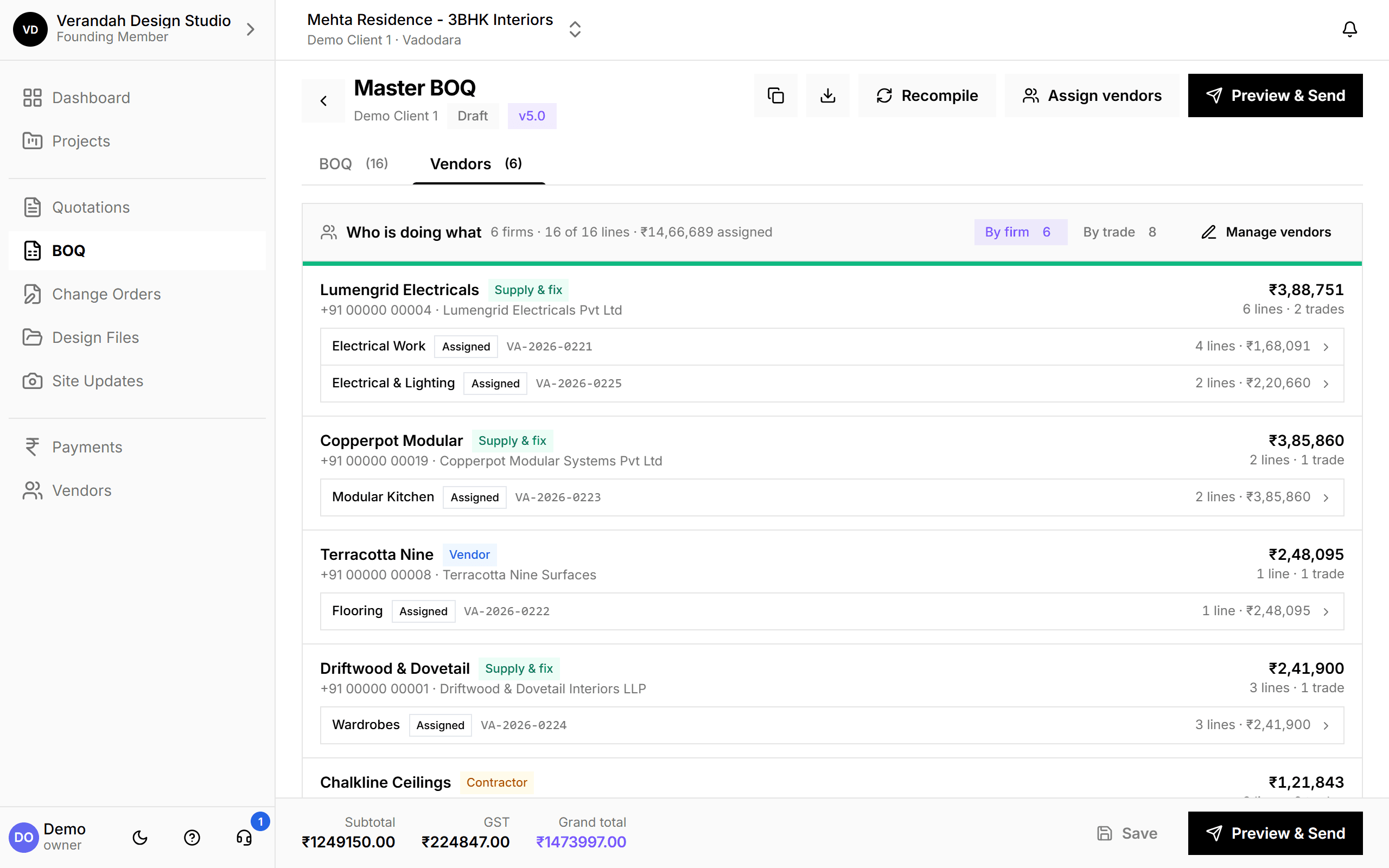
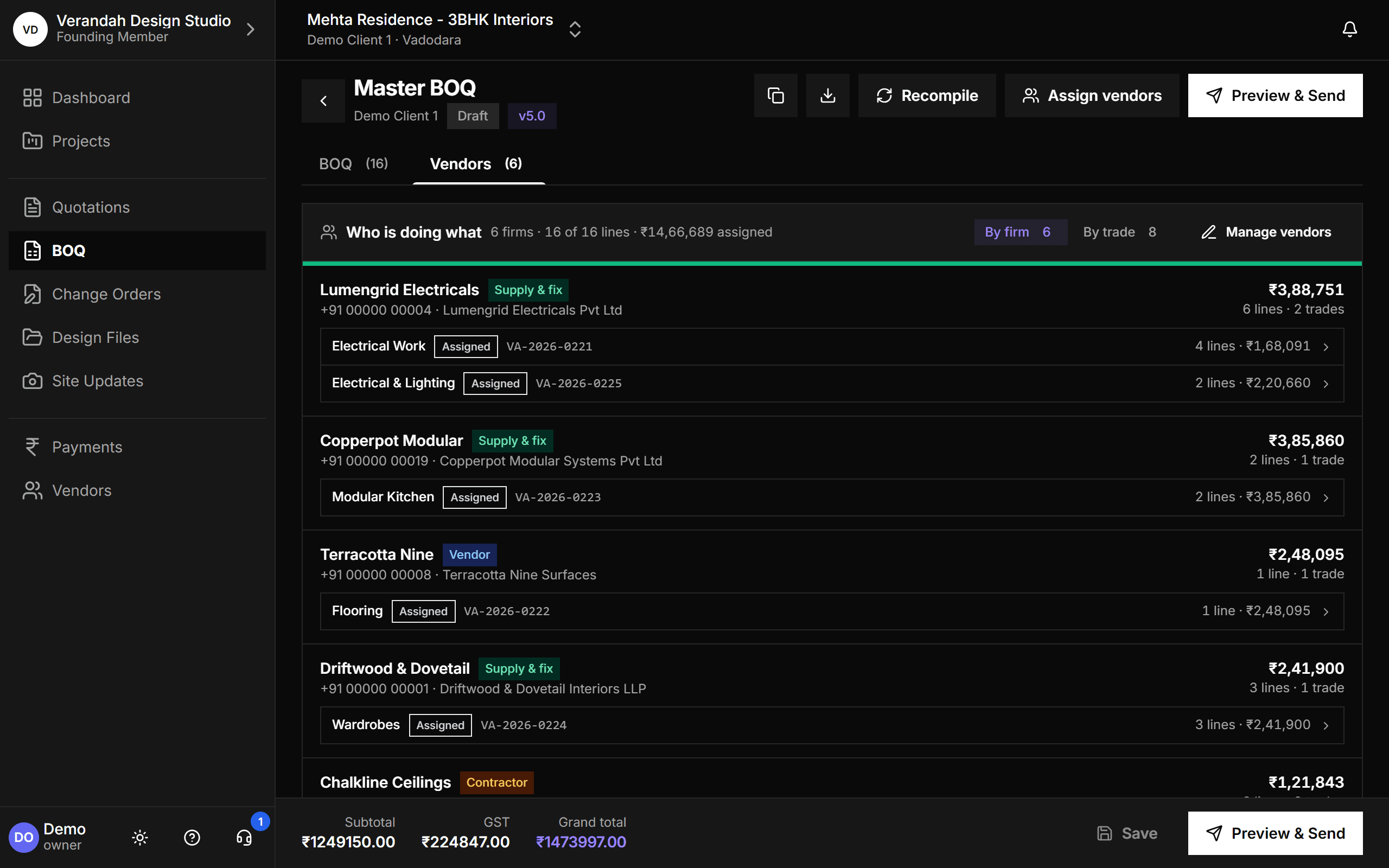
On a real interiors job one trade is often split across three firms, and the studio is the only one keeping track. Vismayum keeps your firms in one directory, lets you hand out BOQ lines to them as work orders, emails each firm exactly what it is responsible for, and shows the whole project's assignments on one screen.
30-day free trial · No card required
- Firm types
- Vendor · Contractor · Supply & fix
- Compliance
- GST, MSME/Udyam, TDS
- Work orders
- Per firm, numbered, emailed
- View
- By firm or by trade
Start to finish, in 4 steps
- 01
Add firms
Name, type, trades and a phone number is all you need. Everything else can wait.
- 02
Assign
Pick the BOQ lines a firm is doing. Repeat for the next firm until the trade is covered.
- 03
Send
Email each firm its work order: every line, quantity and rate, plus your note.
- 04
Track
Move each work order through Assigned, Accepted, In progress and Completed.
What Vendors & Work Orders can do
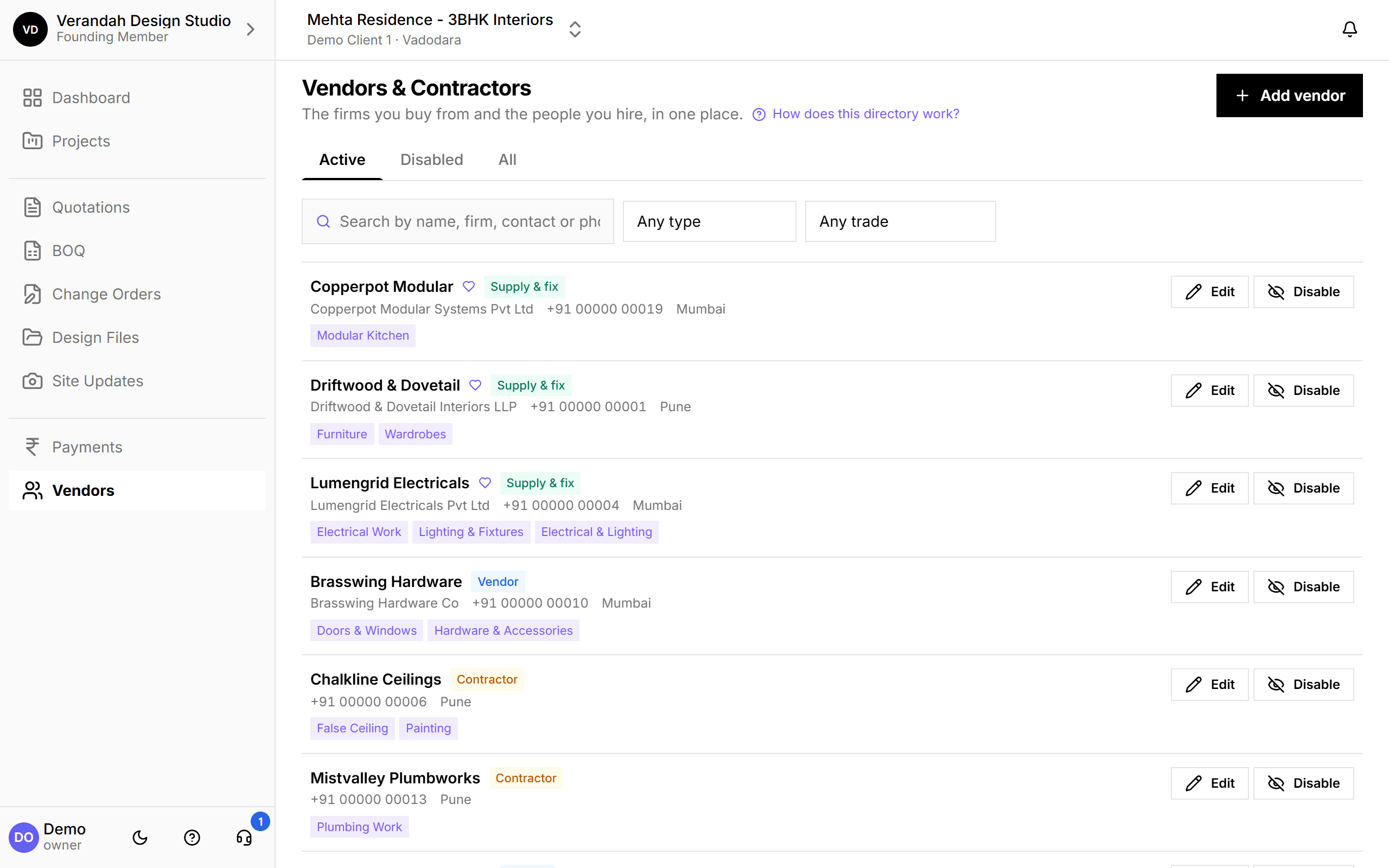
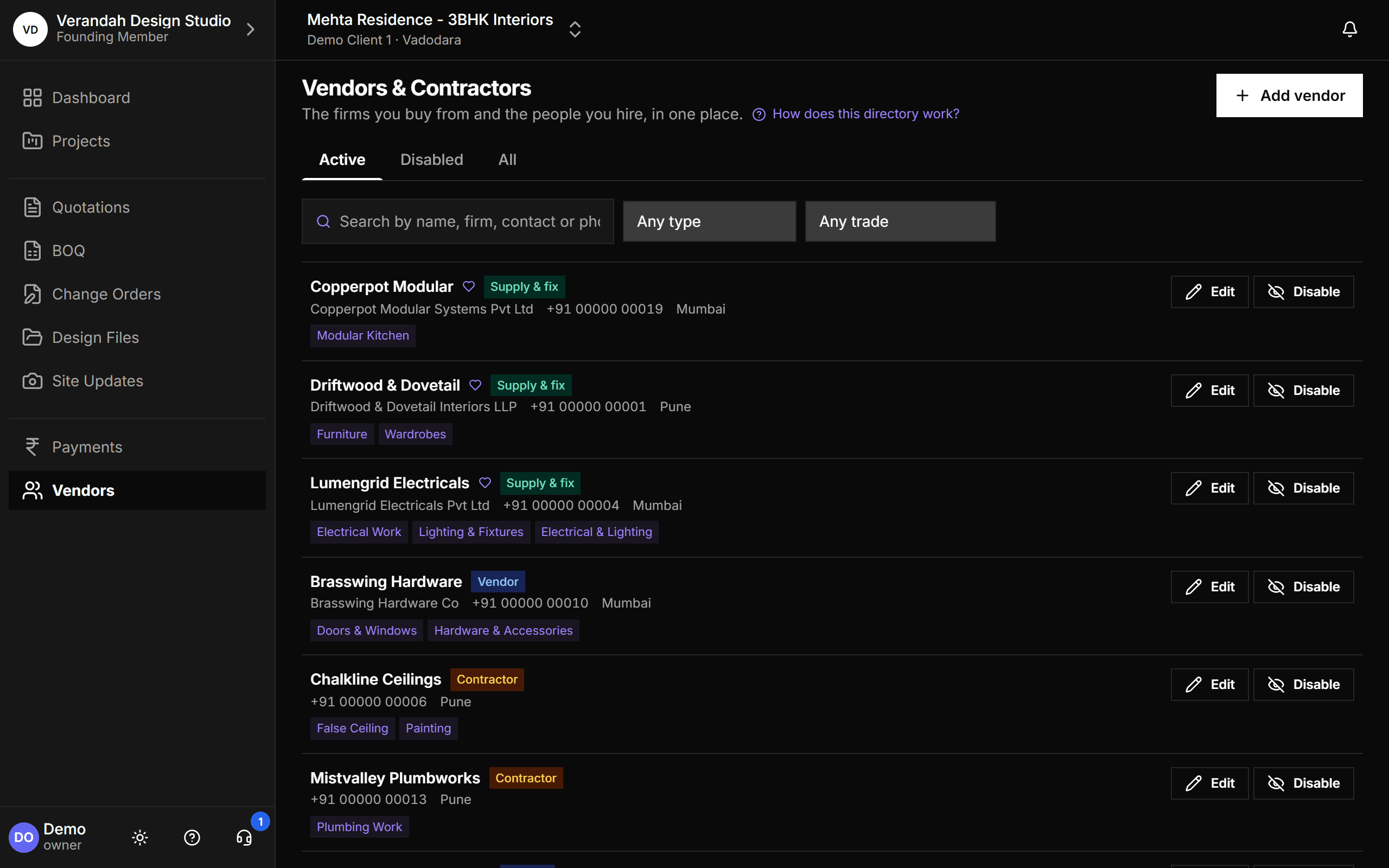
One directory for every firm you work with
Vendors who supply, contractors who execute, and supply-and-fix firms who do both, the most common arrangement in Indian interiors. Filter by type or trade, and disable a firm you've stopped using without losing it from the BOQs it already worked on.
- Each firm is linked to the trades it covers, so the right firms appear first when you assign
- Disabled firms vanish from every picker but stay on existing records
- Only a firm nothing references can be deleted
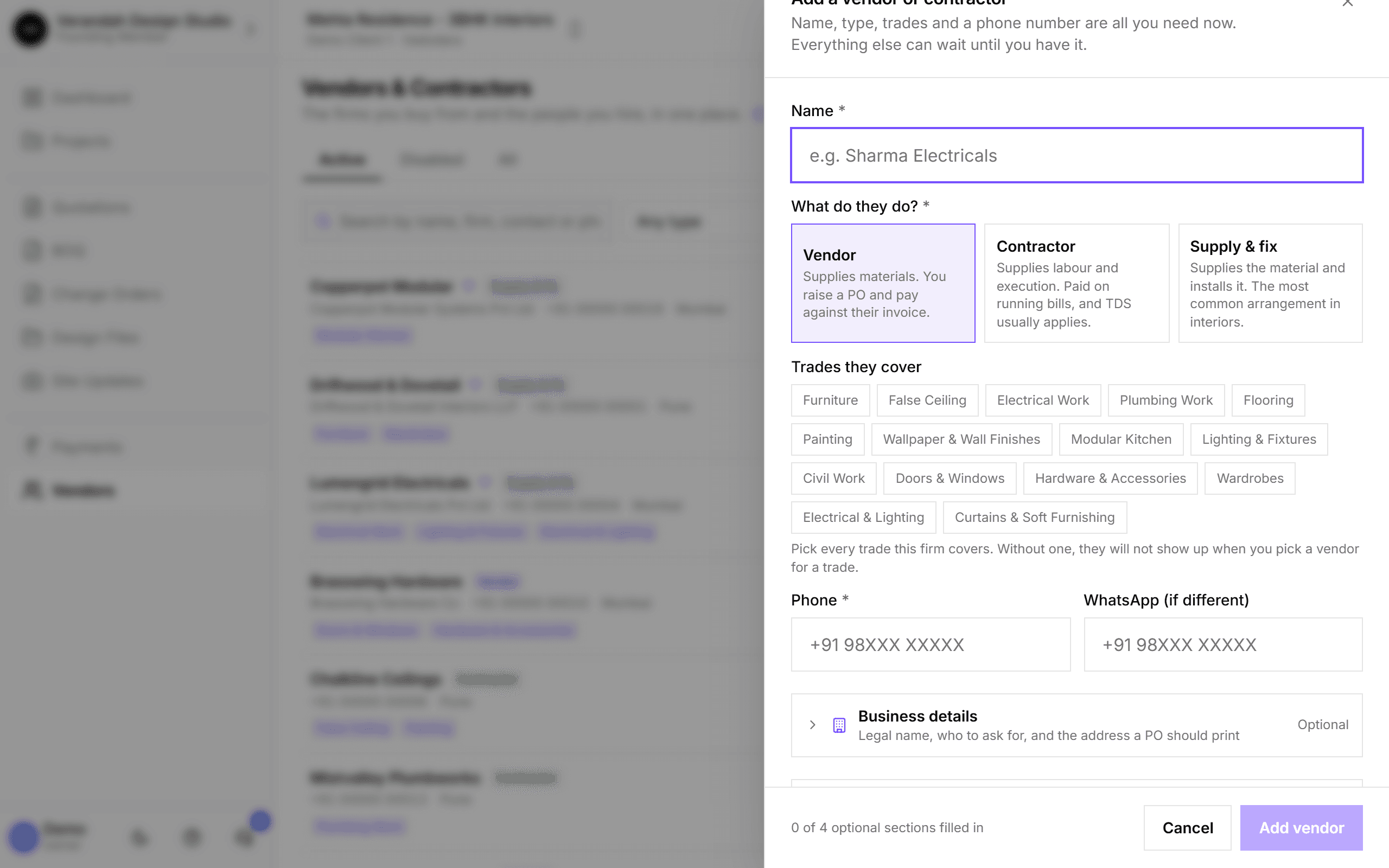
Add a firm mid-site-visit
Only the name, type, trades and phone number are required. Business details, contacts, banking and tax can be filled in later, so the directory never gets skipped because a GSTIN wasn't to hand.
- WhatsApp number if it differs from the phone
- Optional sections show how much is still to fill in
GST, MSME and TDS, built for India
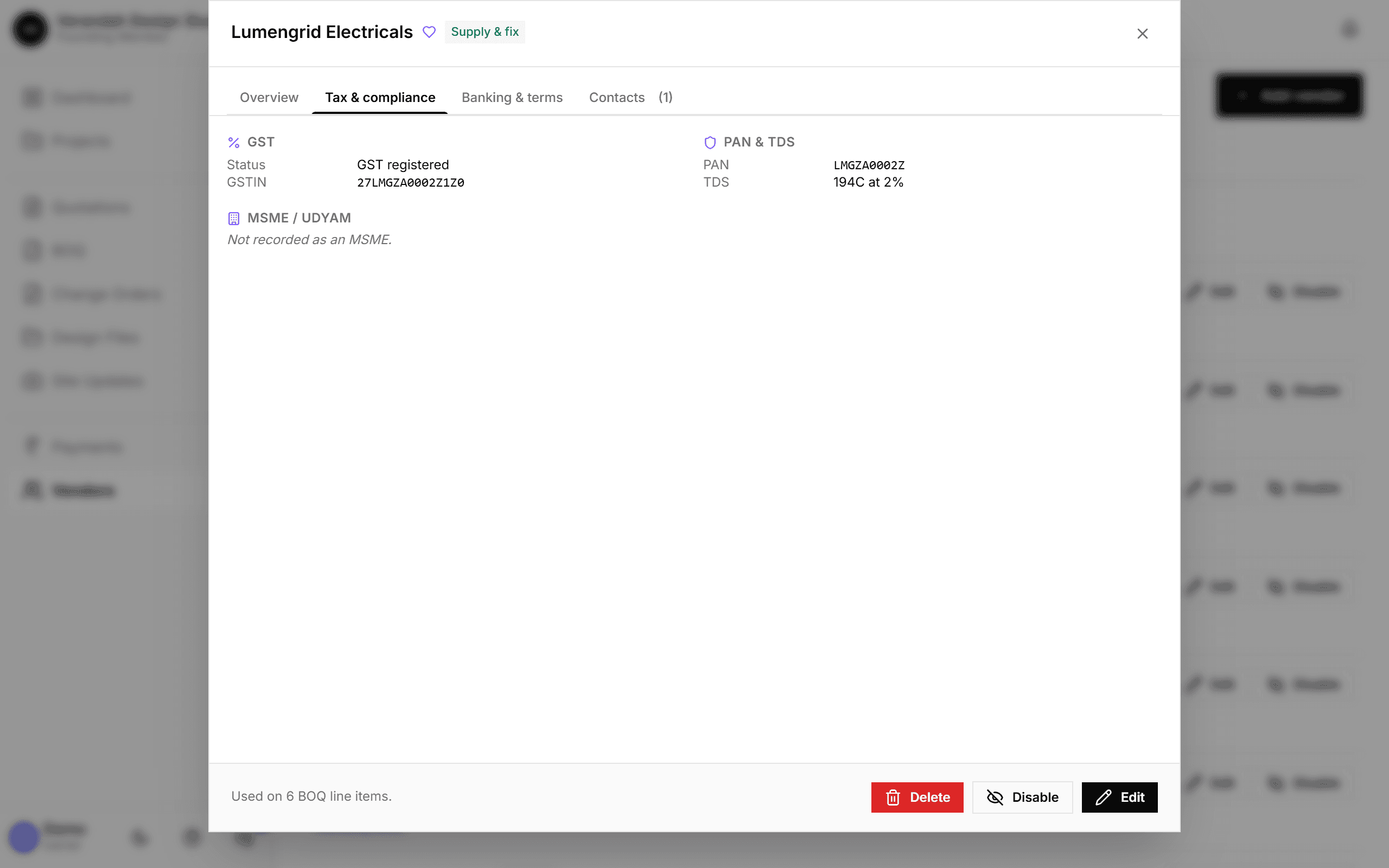
Record whether a firm is GST registered (not just whether it has a GSTIN, since a composition dealer gives you no input credit), its PAN and TDS section and rate, and its MSME/Udyam status, with a warning about the 45-day payment rule for MSMEs.
- TDS can only be switched on once a PAN is recorded
- Banking & terms, including UPI ID, and multiple contacts per firm
Assign BOQ lines, one firm at a time
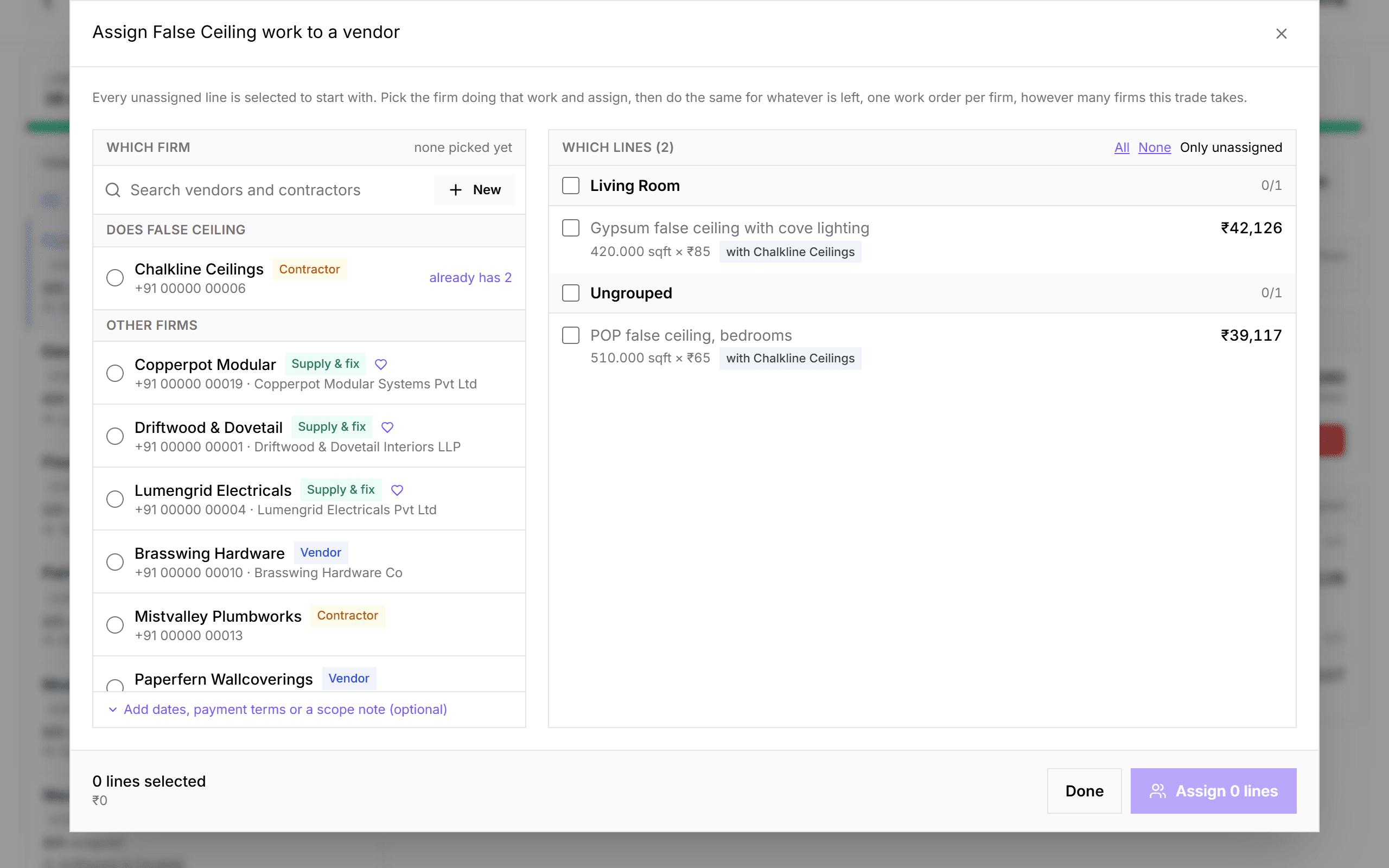
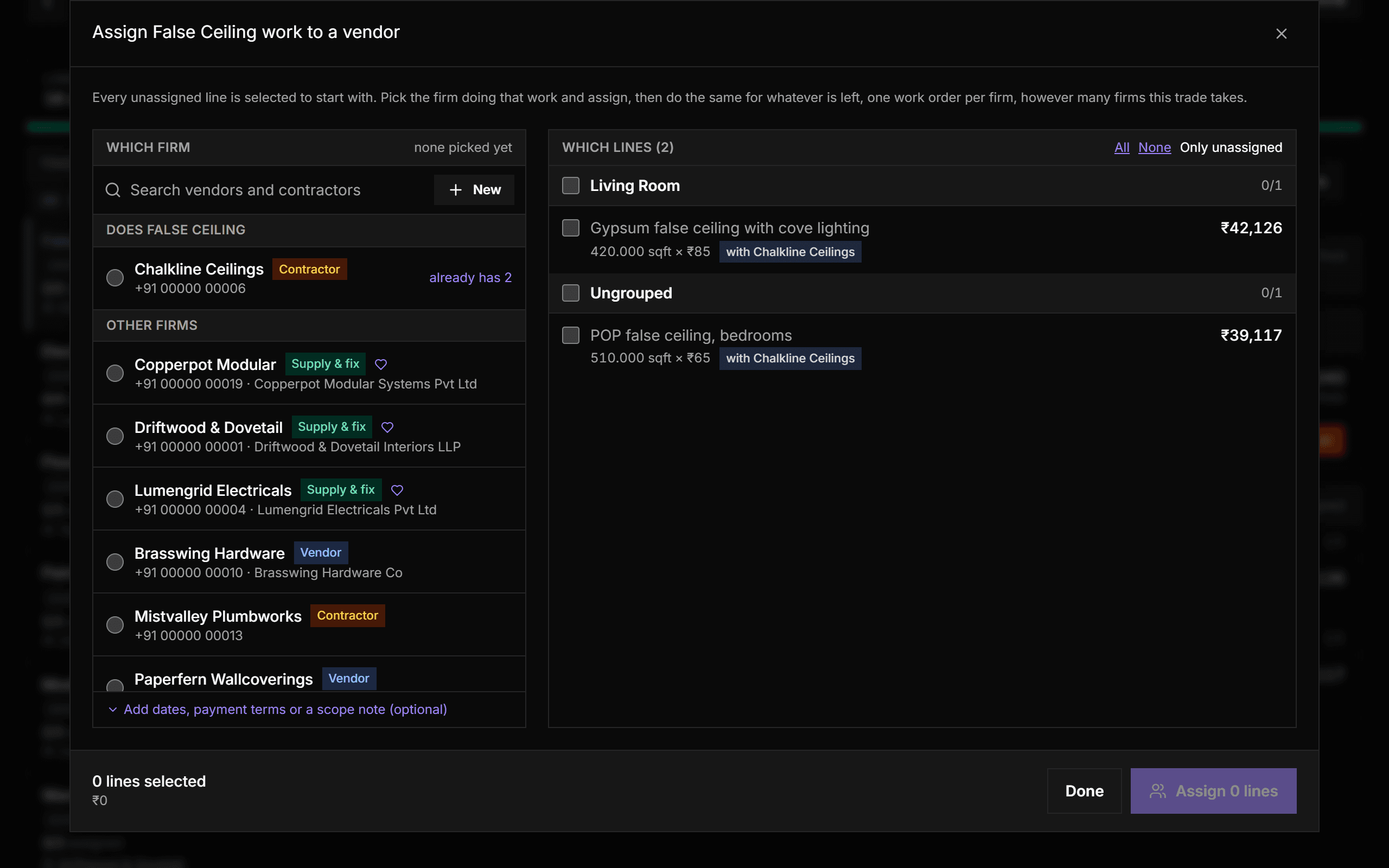
Pick a trade, pick the firm, tick the lines they are doing, assign. The dialog stays open with whatever is left, so you assign the next firm straight away. Each firm gets its own numbered work order, and the trade's own firms are listed first.
- Create a new firm inline without leaving the dialog
- A line can only be with one firm at a time; moving it is a deliberate choice
- Assigning locks that BOQ version so the firm's numbers can't drift
The whole project on one screen
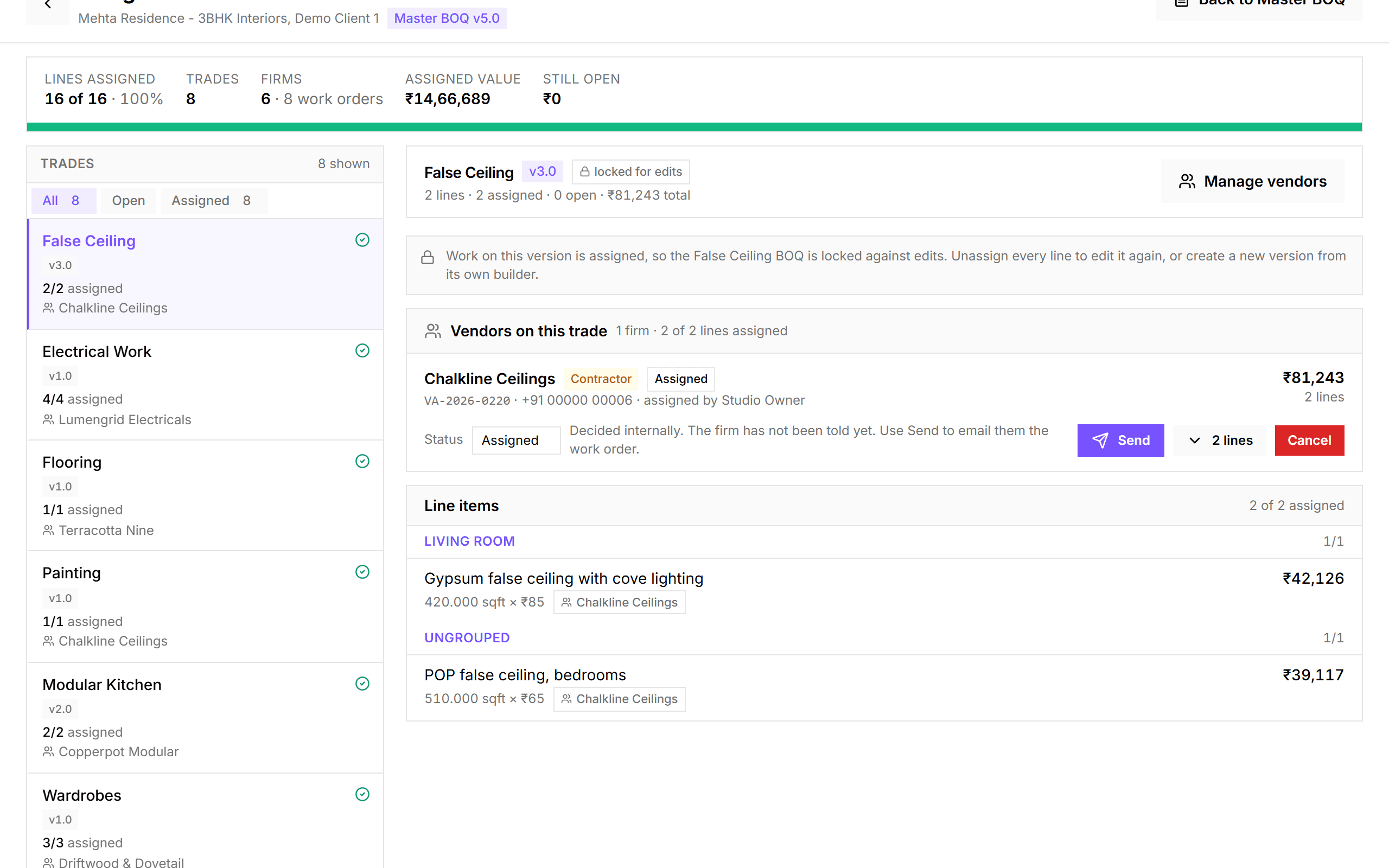
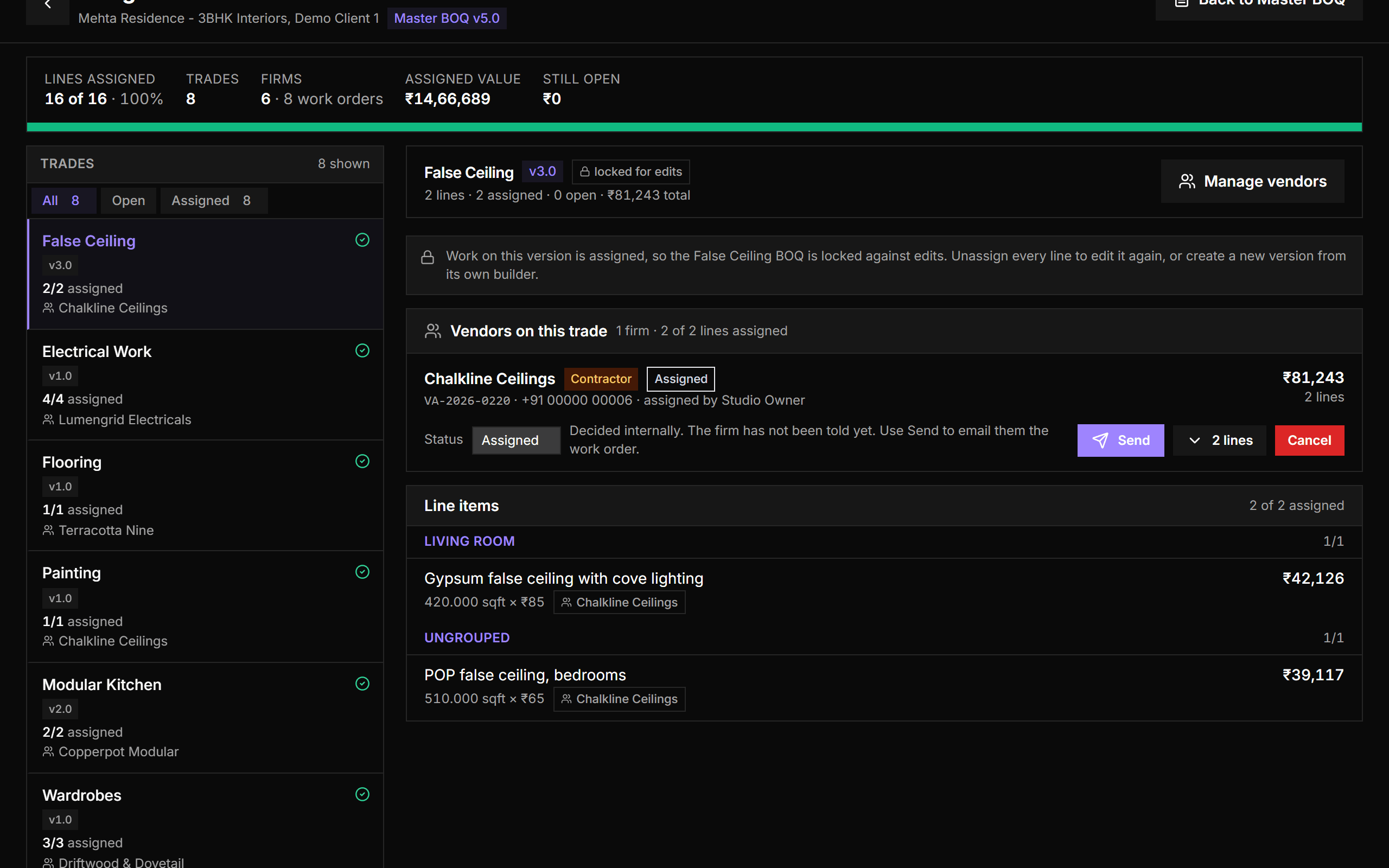
Assign vendors opens a full-screen workspace for the entire project: every trade down the side, filtered by open or assigned, with progress at the top - lines assigned, firms, work orders, assigned value and what's still open.
- Opens on the first trade with work left
- Status per work order, with Send and Cancel right there
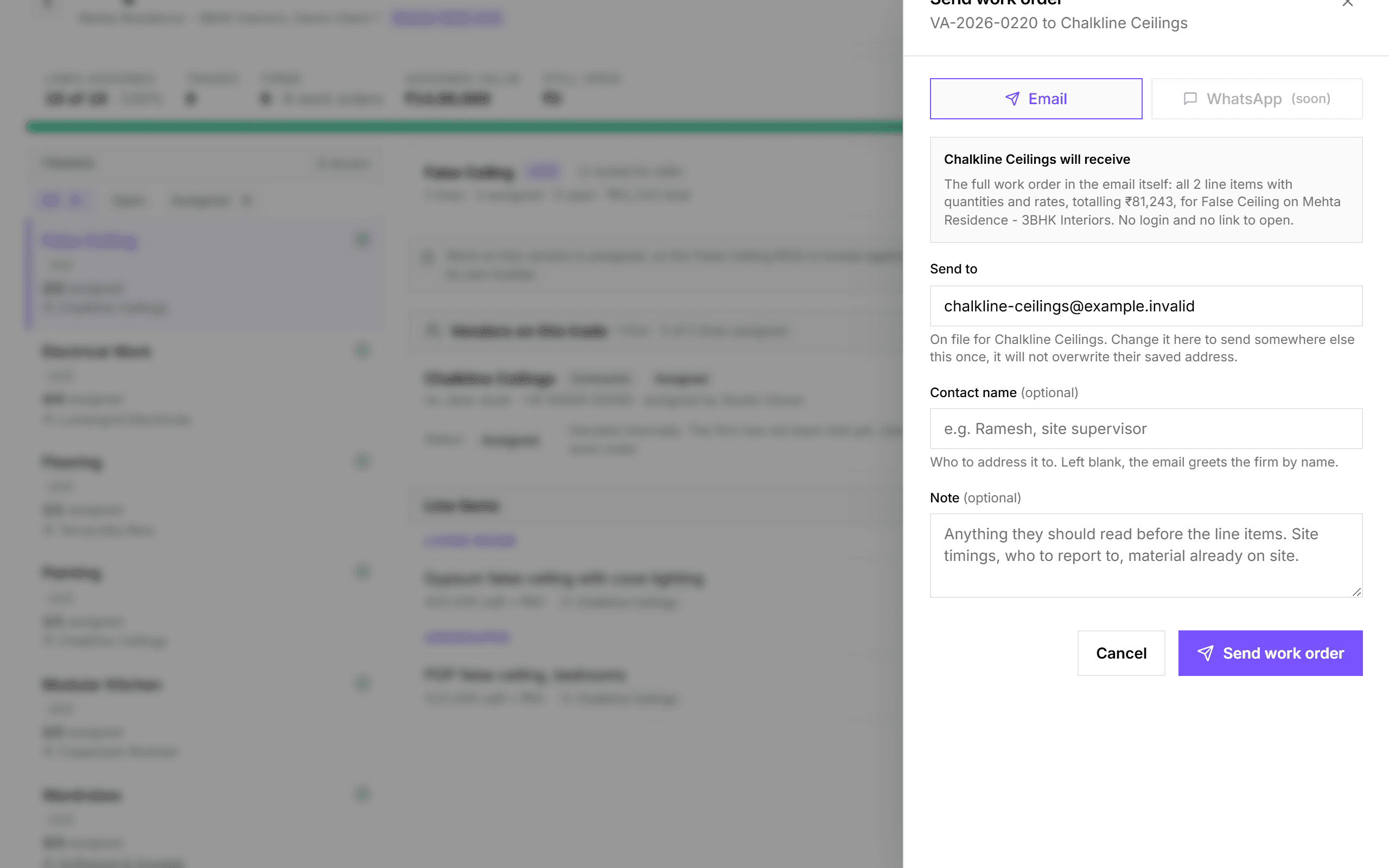
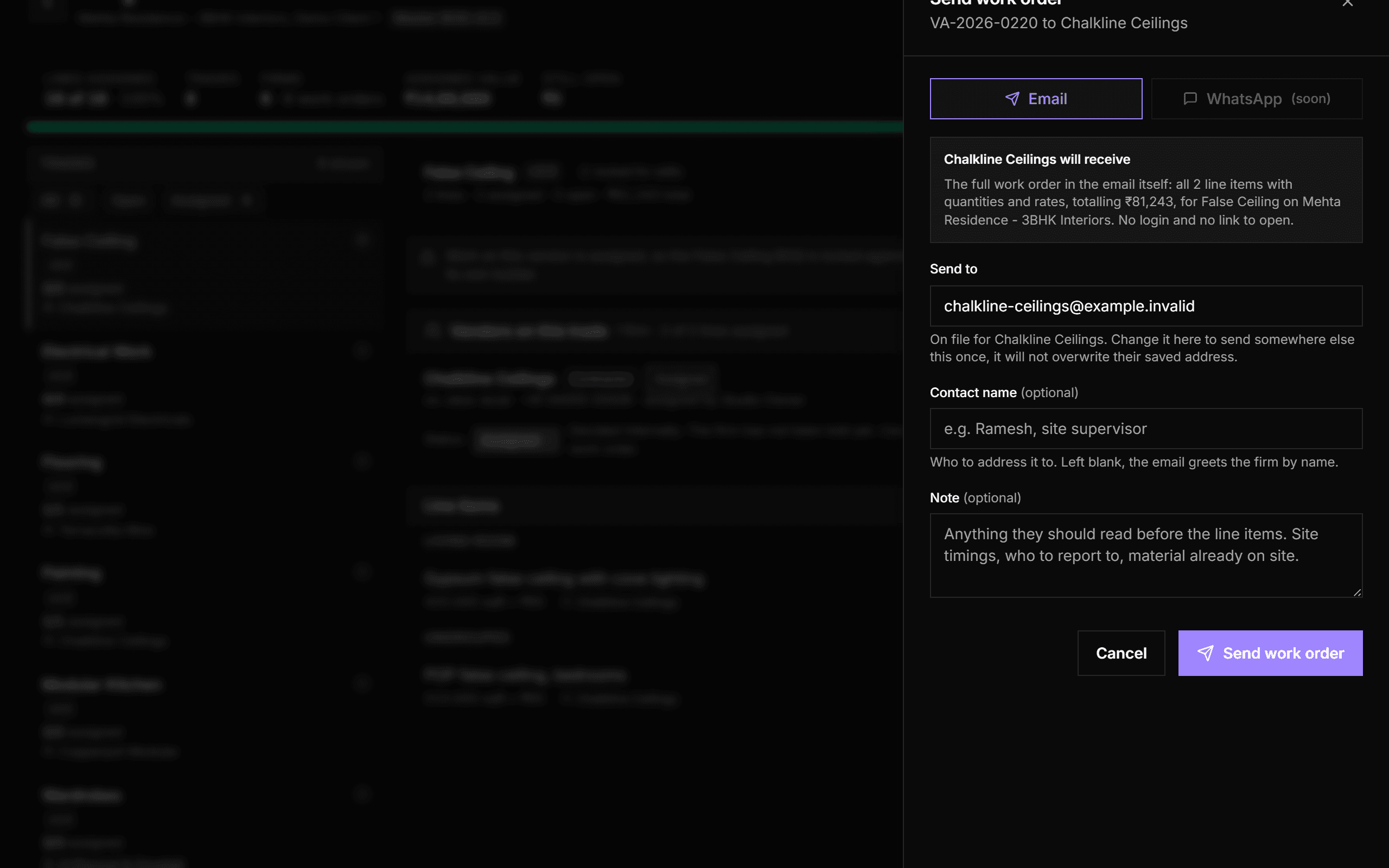
Email the firm its work order
Send emails the firm the complete work order: every line with quantity, rate and amount, the project, and your covering note. Once sent, it is recorded as sent for good, because it is a fact about what the firm was told.
- Email today, WhatsApp coming soon
- Address it to a site supervisor or contact by name
Common questions
- Can one trade be split across several firms?
- Yes, that's the normal case it's built for. Assign some lines to one firm, the rest to another. Each firm gets its own work order.
- Do vendors need to log in?
- No. A vendor gets the work order by email with the full line-item table. There's no vendor login or portal.
- Can I pay a vendor from a work order?
- Yes. In Payments, "From work order" turns the lines a firm was assigned into a payment, linked to that firm.
Try it on your next project.
Start with a 30-day free trial - no credit card, no sales call, nothing to pick. Bring one real project, run it end to end, and decide after. You also get a direct line to the team building it.
Already using Vismayum? Sign in
Stop running your projects from WhatsApp.
Book your free walkthroughAll data shown - project names, amounts, client details - is fictional test data