Design files with versions and client approval
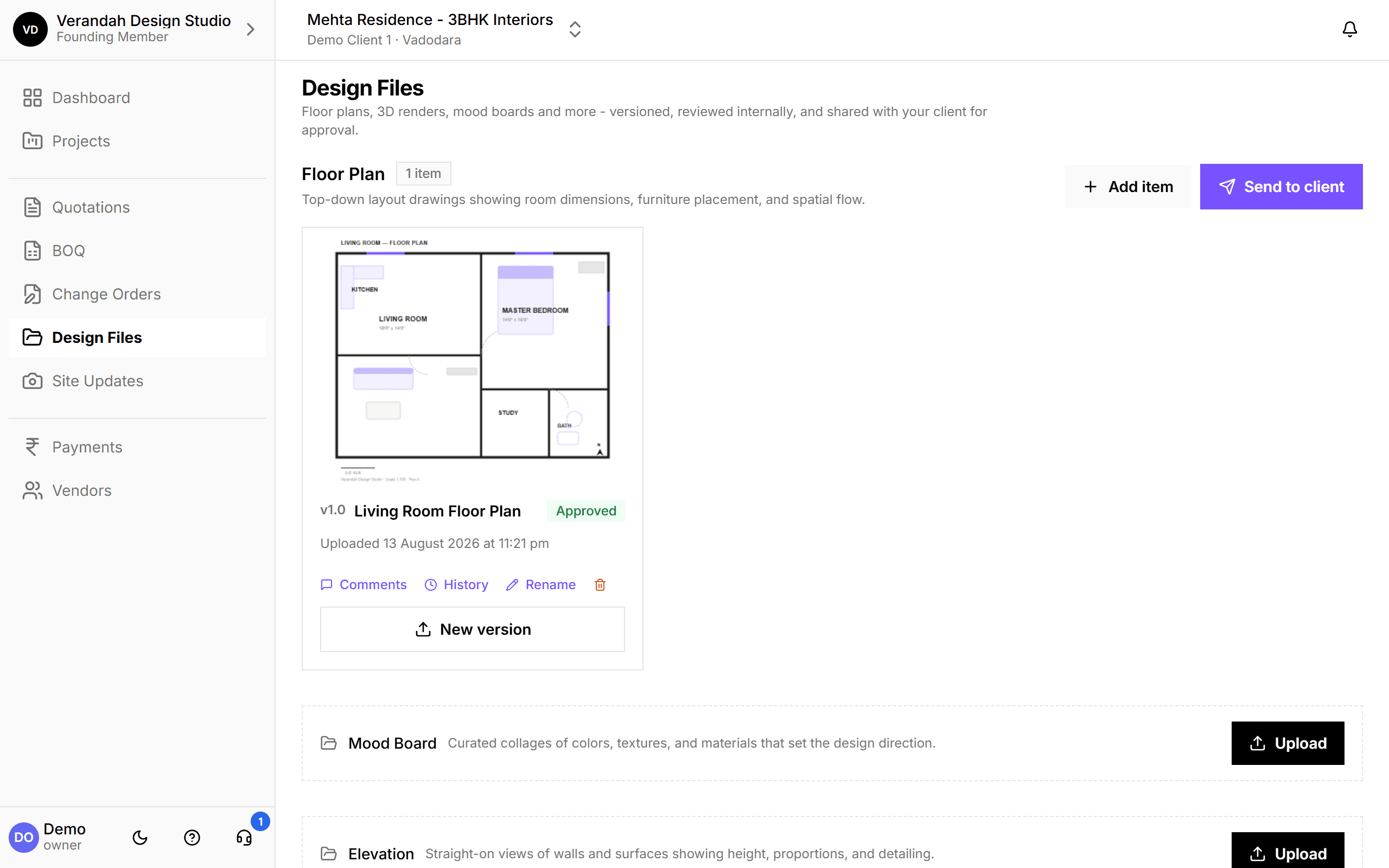
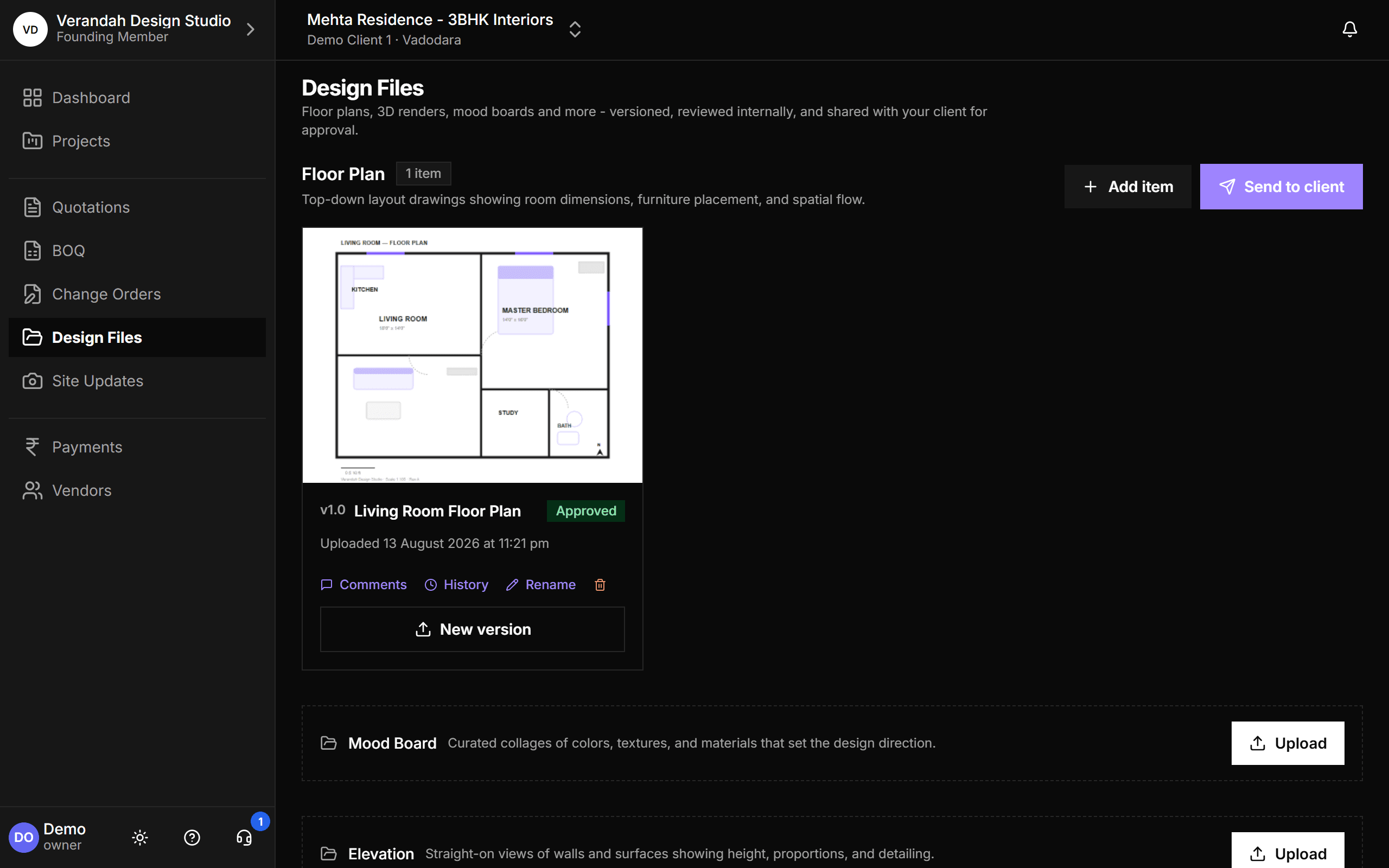
Floor plans, 3D renders, mood boards and elevations, organised by category, with every version kept and every approval recorded. Share a category on a link and the client sees the latest files, approves them, or leaves feedback, without you resending anything.
30-day free trial · No card required
- Organised by
- Category, several items each
- History
- Every version kept
- Client
- Approve or comment on a link
Start to finish, in 4 steps
- 01
Upload
Add files to a category: Floor Plan, Mood Board, Elevation, 3D Render and more.
- 02
Review
Comment and review internally before anything reaches the client.
- 03
Share
Send a category to the client on a link that always shows the latest version.
- 04
Approve
The client approves or leaves feedback, timestamped against that version.
What Design Files can do
Organised by category, every version kept
Each category holds as many items as you need, and each item keeps its full history. Upload a new version and the old one is still there to compare. Comments, history and renaming sit right on the item.
- Approved status shown on each item
- Send a whole category to the client in one go
Try it on your next project.
Start with a 30-day free trial - no credit card, no sales call, nothing to pick. Bring one real project, run it end to end, and decide after. You also get a direct line to the team building it.
Already using Vismayum? Sign in
Stop running your projects from WhatsApp.
Book your free walkthroughAll data shown - project names, amounts, client details - is fictional test data