Quotations your client can approve from their phone
A quotation is the first real thing a client sees from your studio. Vismayum builds it from your own materials and rates, works out the GST, keeps every revision, and sends it as a link the client can read and accept without installing anything. When they say yes, the accepted quotation becomes the project's BOQ, no retyping.
30-day free trial · No card required
- Grouping
- Room, trade or flat list
- GST
- CGST + SGST or IGST, automatic
- Client approval
- On a link, no login
- After acceptance
- One-click convert to BOQ
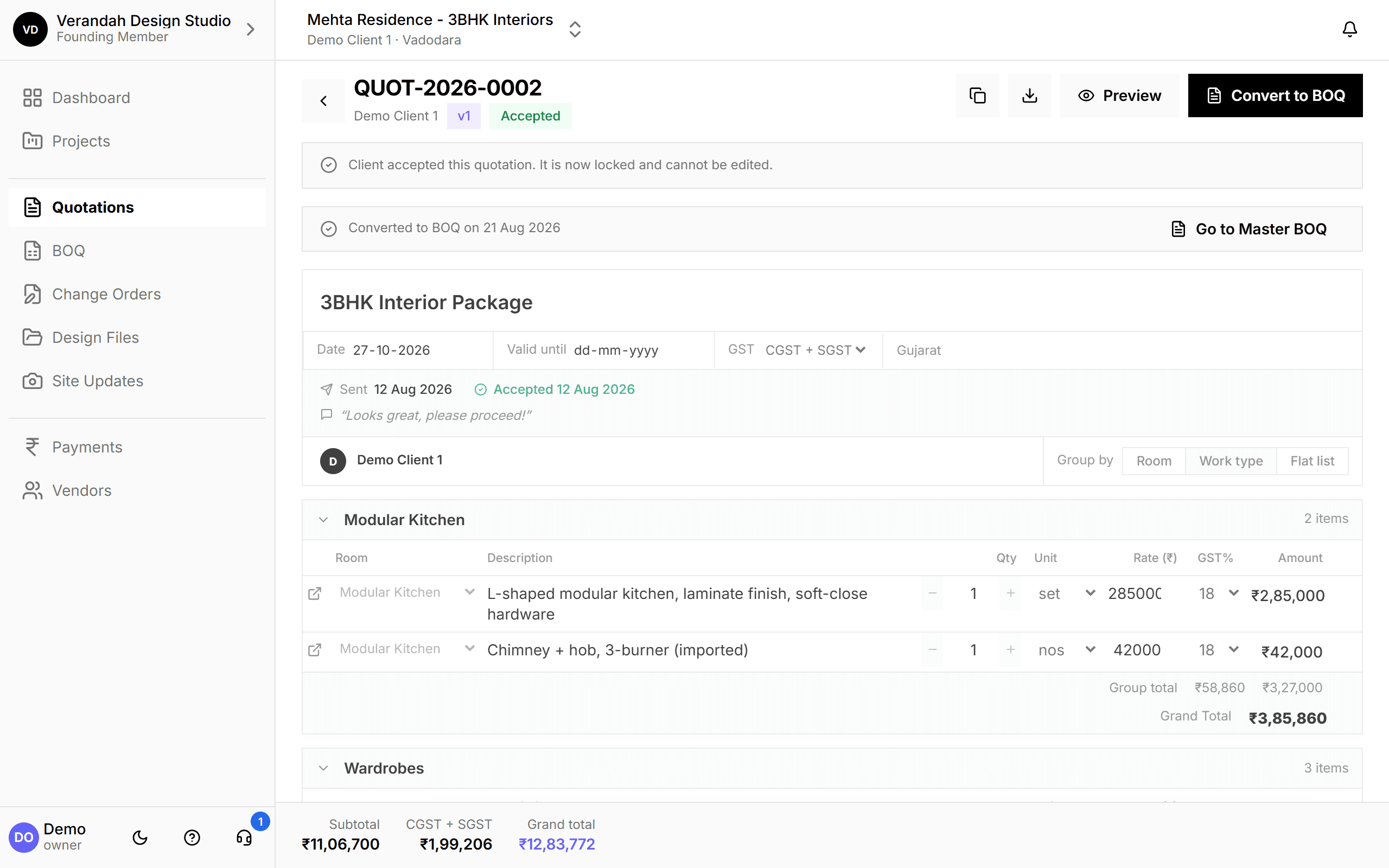
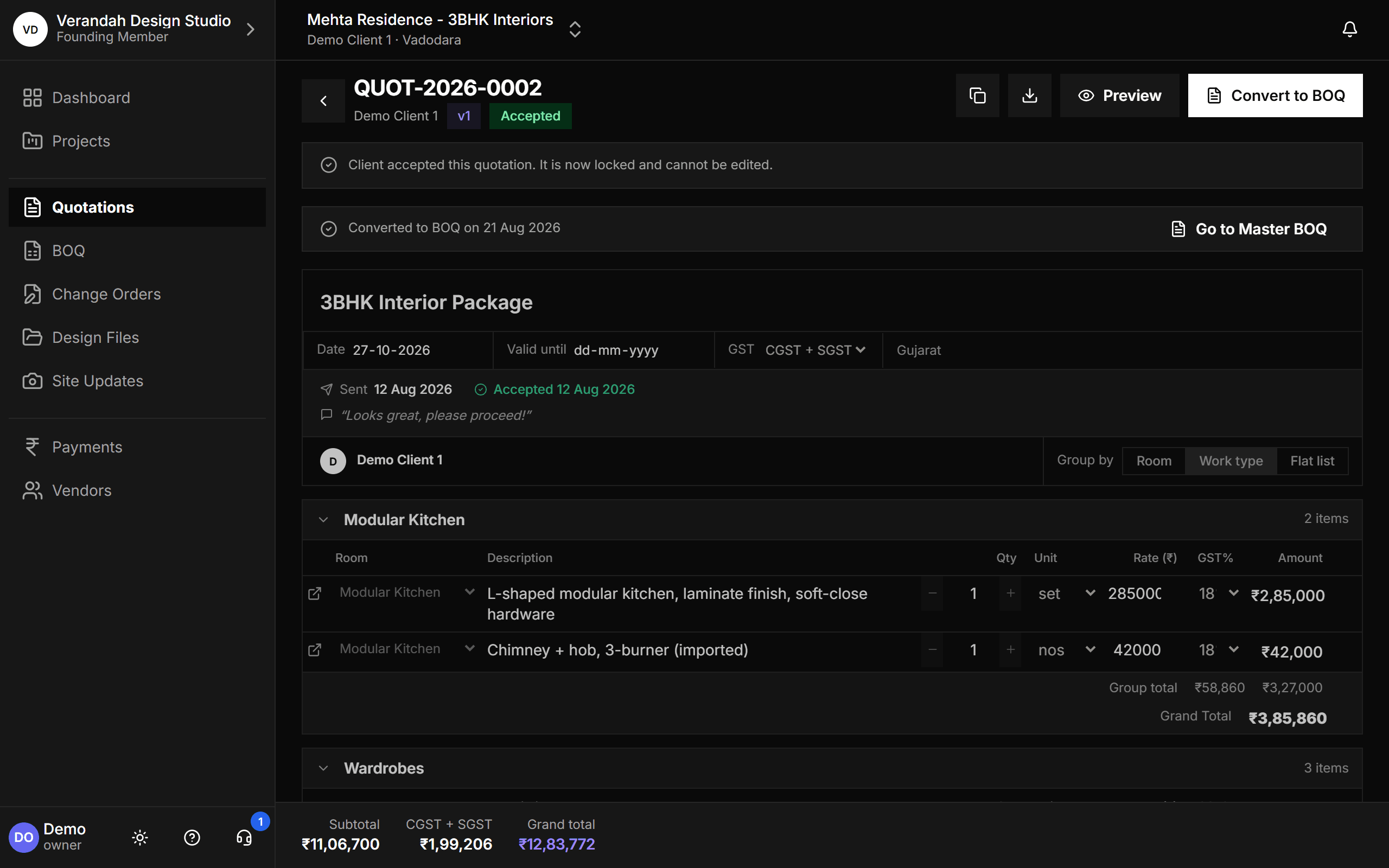
Start to finish, in 4 steps
- 01
Build
Add line items room by room or by trade, pulling descriptions and rates from your studio's own materials catalog.
- 02
Send
Share the quotation link over WhatsApp or email. It always opens the latest version.
- 03
Approve
The client reviews on their phone and accepts, with the date and their comment recorded.
- 04
Convert
Turn the accepted quotation into Category BOQs and a Master BOQ in one step.
What Quotations can do
Build it the way you think about the job
Group line items by room, by type of work, or keep a flat list, and switch between views at any time. Each line carries its own quantity, unit, rate and GST rate, and the totals update as you type.
- Descriptions and rates come from your studio's materials catalog, and new ones are saved to it automatically
- GST is split into CGST + SGST or IGST from the client's state
- Every revision is kept as a version, so you can always see what was sent when
Every quotation for the project, in one list
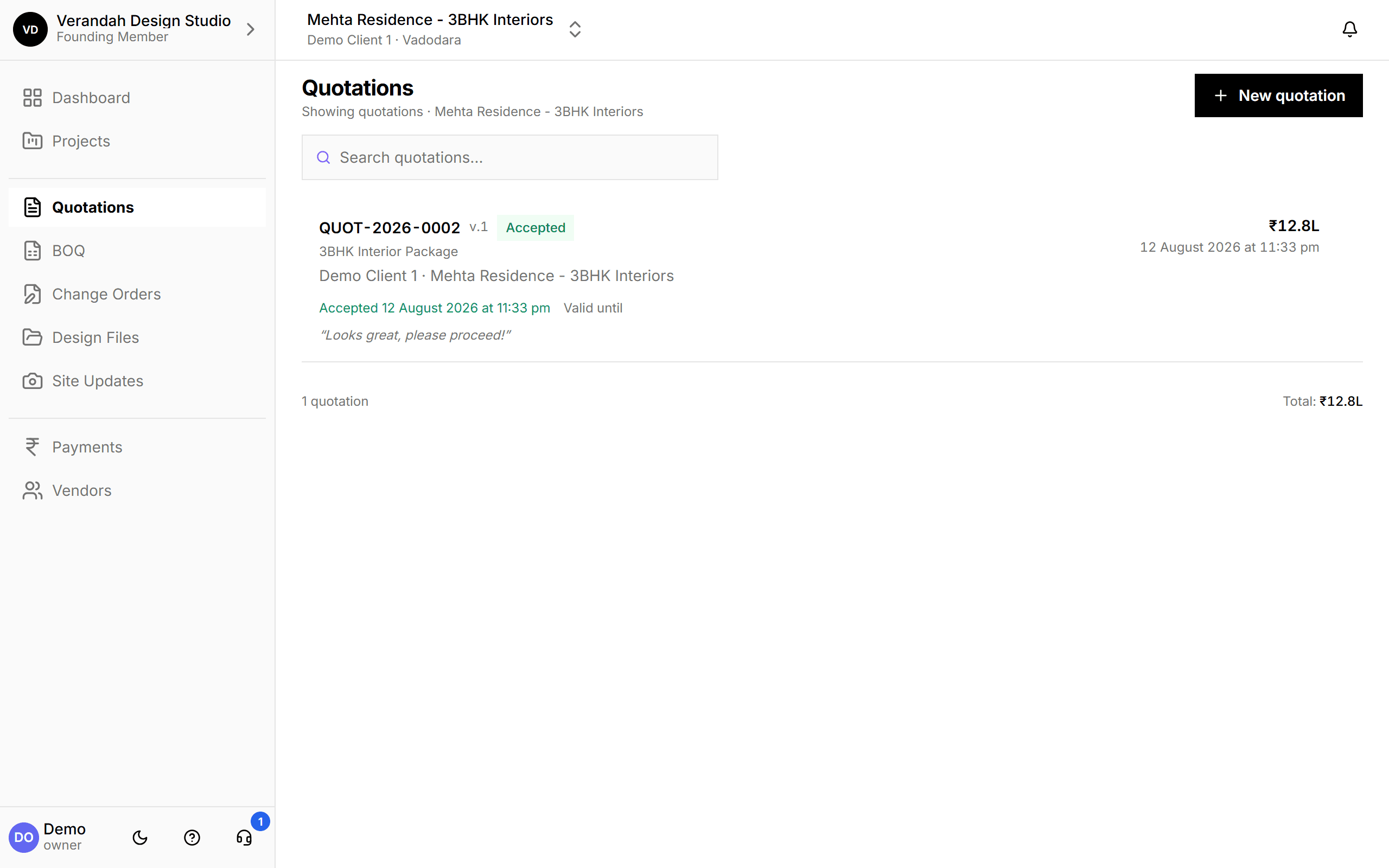
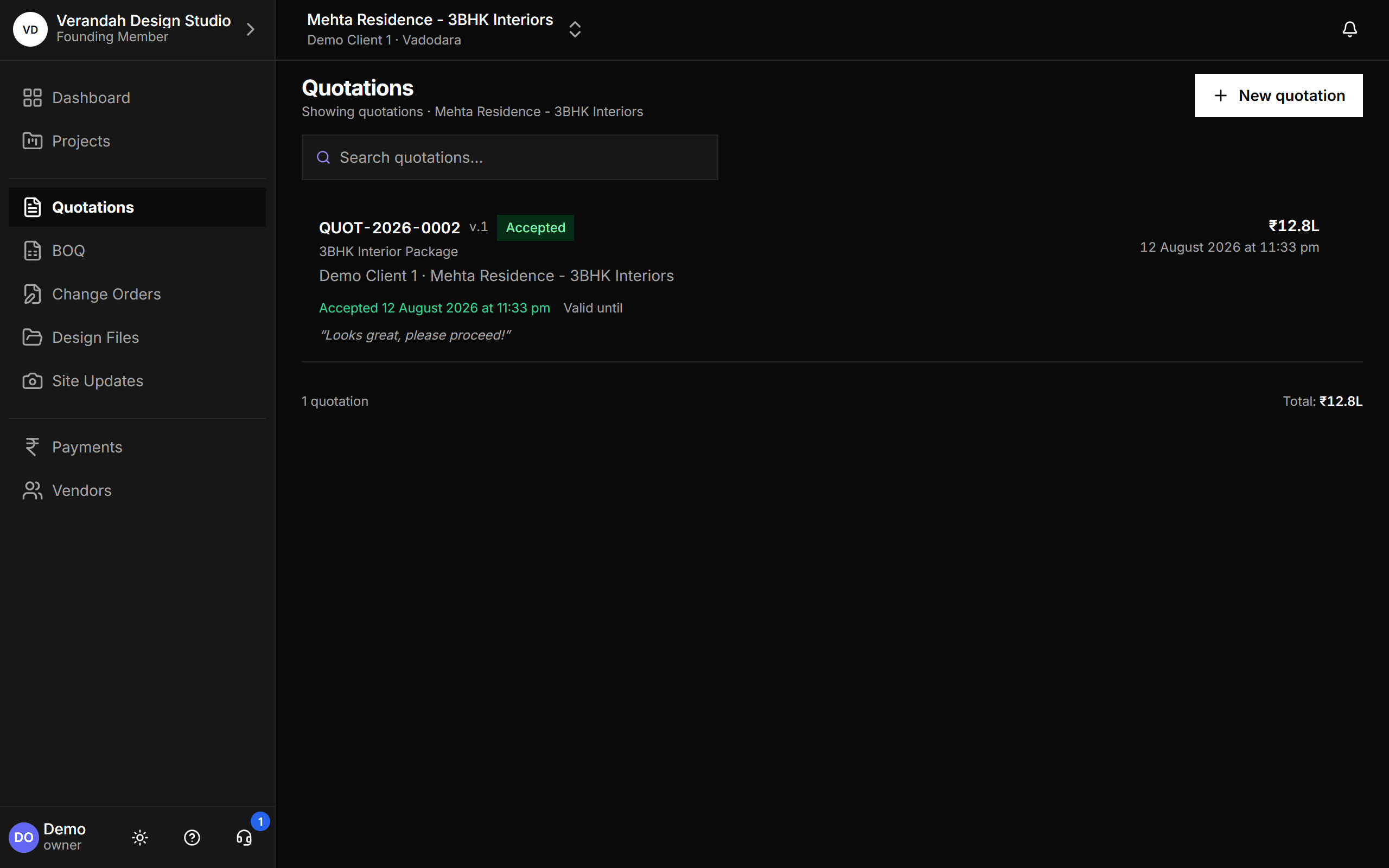
See each quotation's status at a glance: draft, sent, accepted. Accepted ones show when the client accepted and what they said, so nobody has to scroll back through a chat to find the approval.
- Status, total and acceptance date on every card
- The client's own comment is kept with the approval
Accepted? It becomes the BOQ in one click
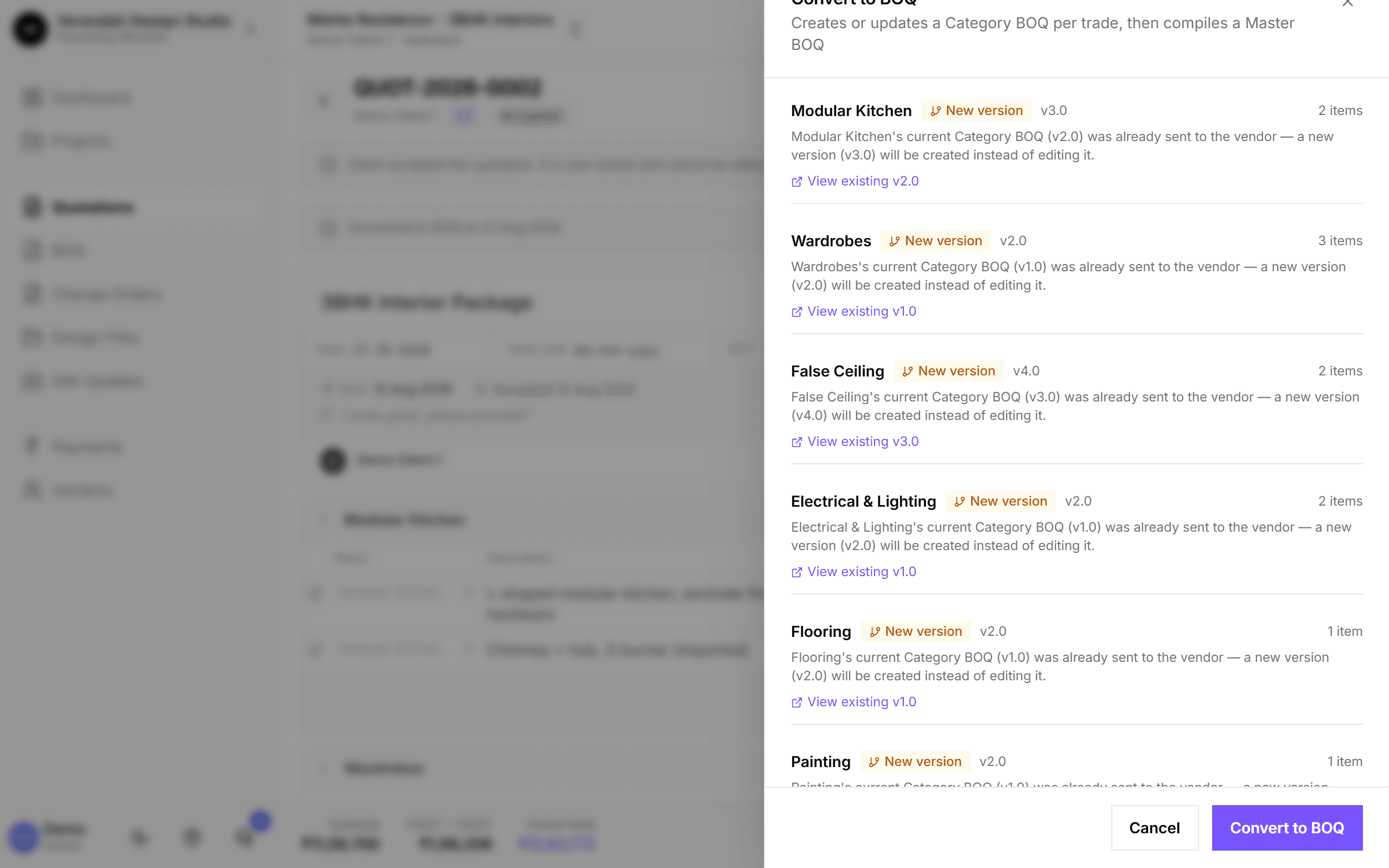
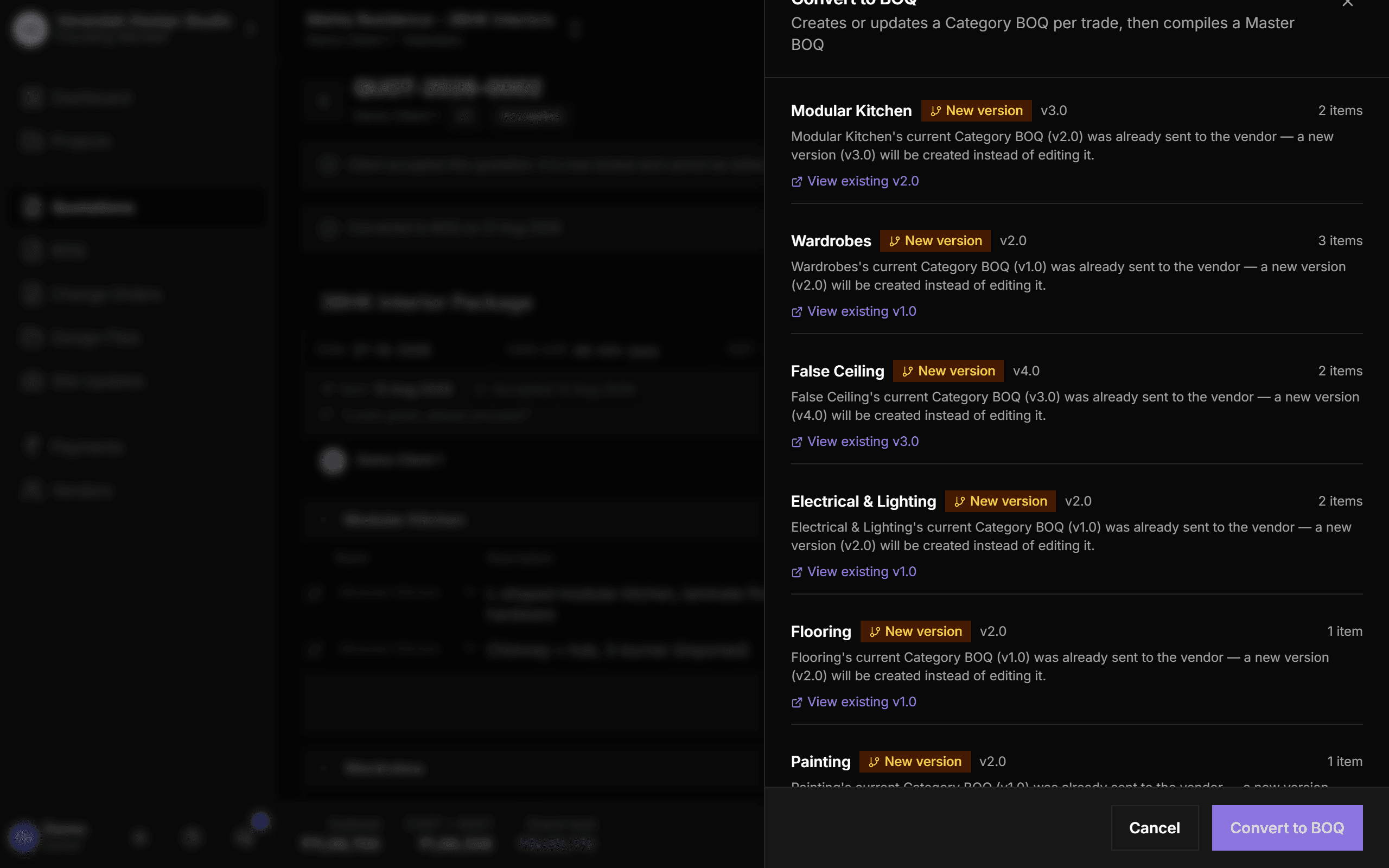
Convert to BOQ groups the accepted quotation's items by trade and creates one Category BOQ per trade, then compiles the Master BOQ. You see exactly what will be created or versioned before you confirm, and nothing already sent to a vendor is overwritten: it gets a new version instead.
- A preview of every Category BOQ that will be created or versioned
- Locked to accepted quotations, so a draft can never become a BOQ by accident
- Links from each line straight to its Category BOQ afterwards
Try it on your next project.
Start with a 30-day free trial - no credit card, no sales call, nothing to pick. Bring one real project, run it end to end, and decide after. You also get a direct line to the team building it.
Already using Vismayum? Sign in
Stop running your projects from WhatsApp.
Book your free walkthroughAll data shown - project names, amounts, client details - is fictional test data