BOQs that keep every version and every approval
Interior BOQs change constantly. Vismayum keeps a separate, versioned BOQ for each trade and compiles them into one client-facing Master BOQ. The client approves on a link, every earlier version stays readable, and a version that work has been assigned against is locked so the numbers a firm is working to cannot drift.
30-day free trial · No card required
- Structure
- Category BOQs per trade → one Master BOQ
- Versions
- Every revision kept
- GST mode
- Exclusive, inclusive or none
- Client approval
- On a link, timestamped
Start to finish, in 4 steps
- 01
Build per trade
Each trade (Electrical, Flooring, Modular Kitchen...) gets its own Category BOQ, grouped by room.
- 02
Compile
Compile the current Category BOQs into one Master BOQ for the client.
- 03
Share
Send one link. It always opens the latest version, and the client approves or rejects it there.
- 04
Revise
Changes create a new version. Earlier versions stay readable, approvals stay attached.
What BOQ can do
One Master BOQ for the client
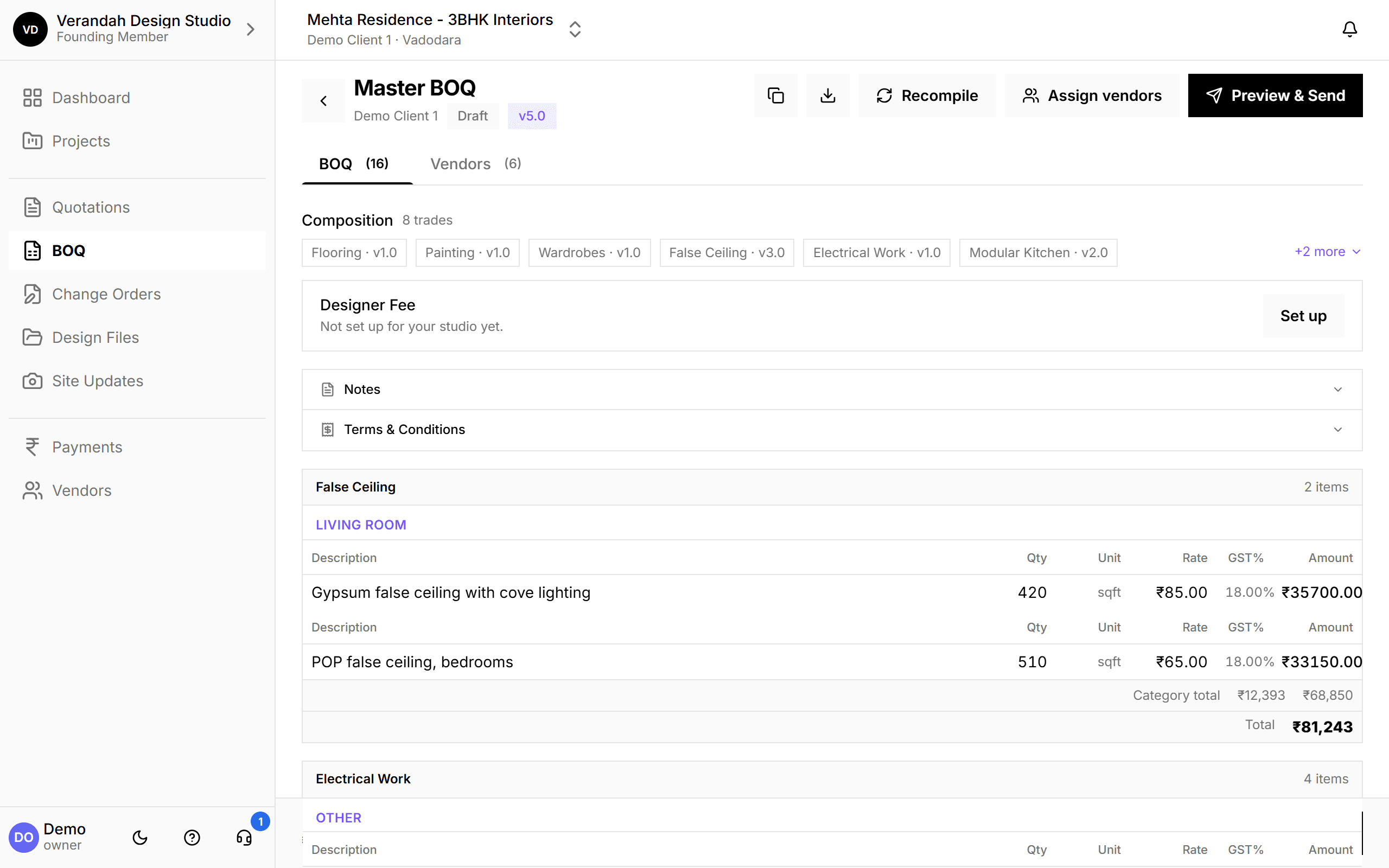
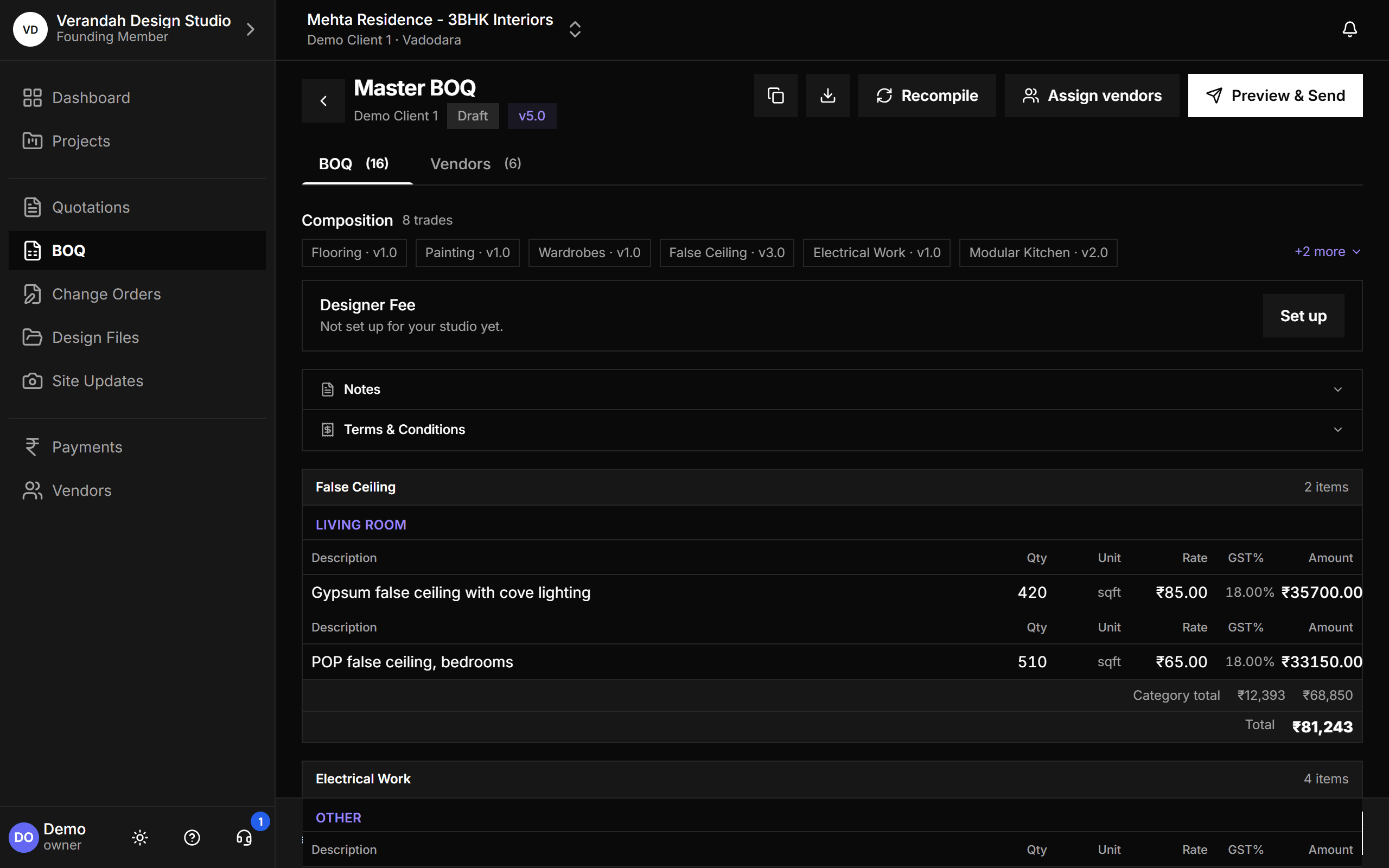
The Master BOQ is compiled from each trade's current Category BOQ. It shows exactly which trade versions it was built from, every line grouped by trade and room, the Designer Fee if you charge one, and the totals. The table headers stay pinned as you scroll a 300-line document.
- Composition shows which version of every trade went in
- Notes and terms & conditions travel with the document
- Preview & Send shares it on a link the client can approve
A BOQ per trade, versioned and locked when it matters
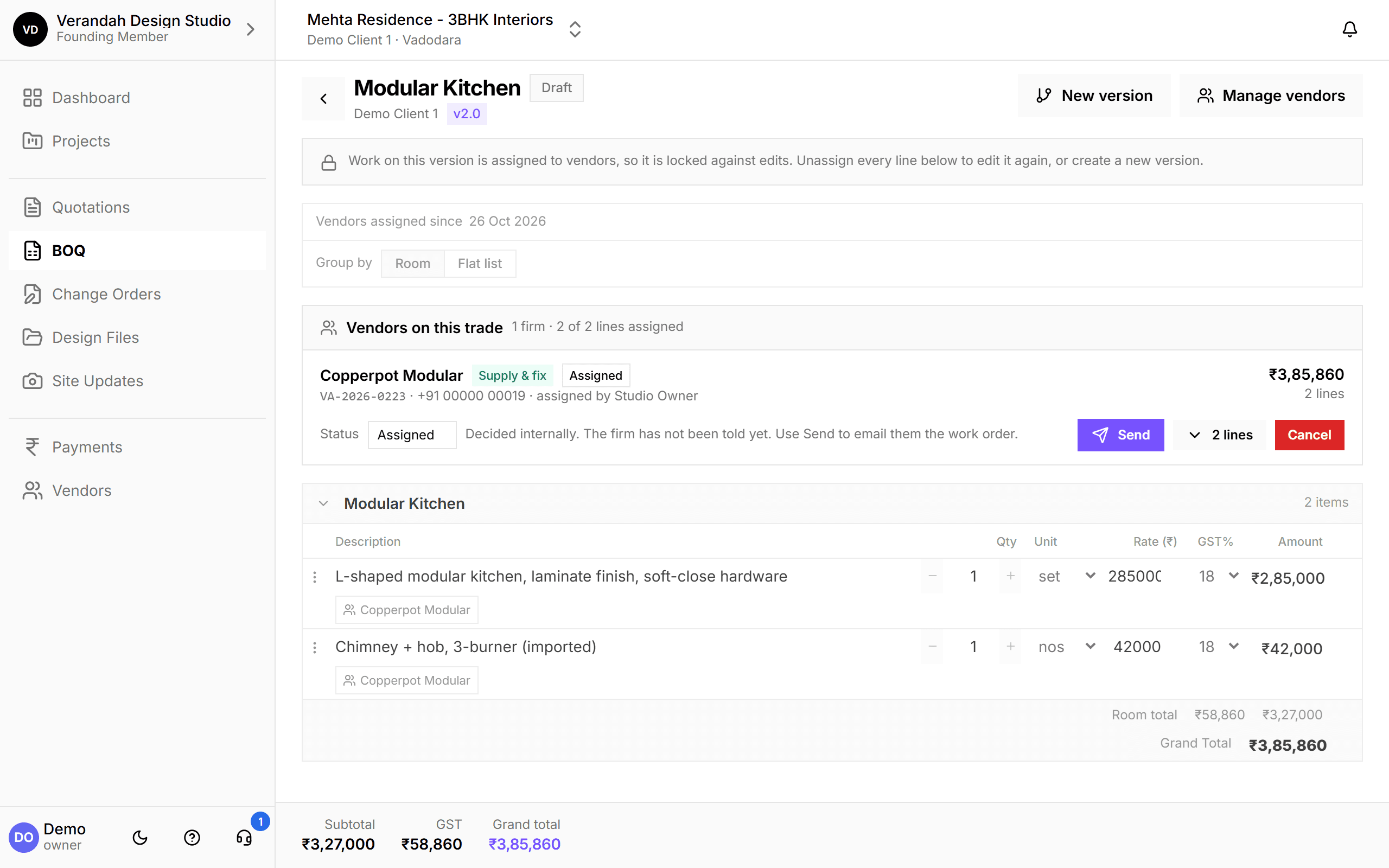
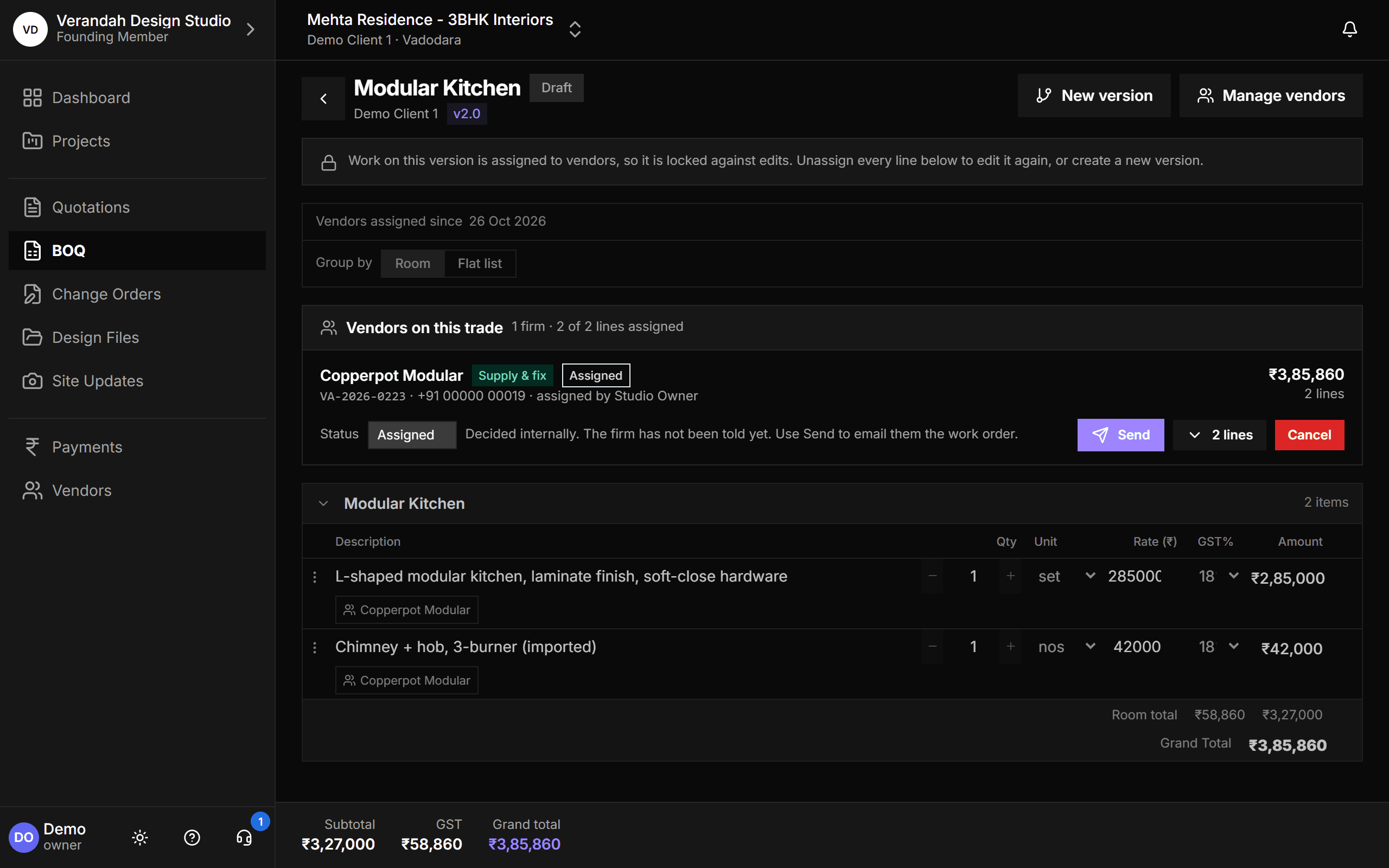
Each Category BOQ holds one trade's lines, grouped by room or as a flat list. When work is assigned to a vendor, that version is locked against edits so the firm's numbers cannot quietly change. Need to change it? Create a new version.
- The firm doing each line shows right on the line
- Unassign every line to unlock it, or start a new version
- Rates, quantities and GST per line, with room and grand totals
Every version, and which one is current
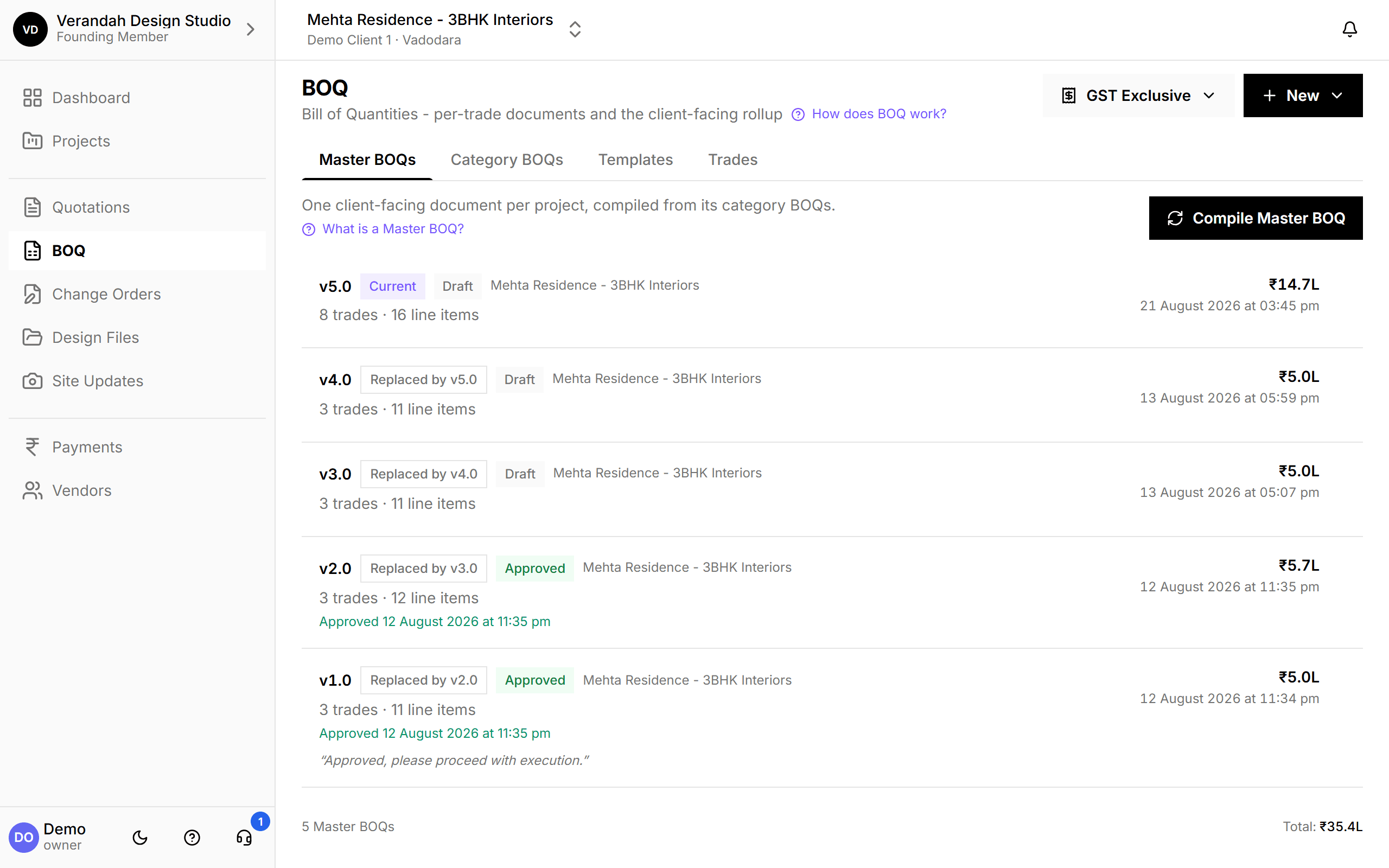
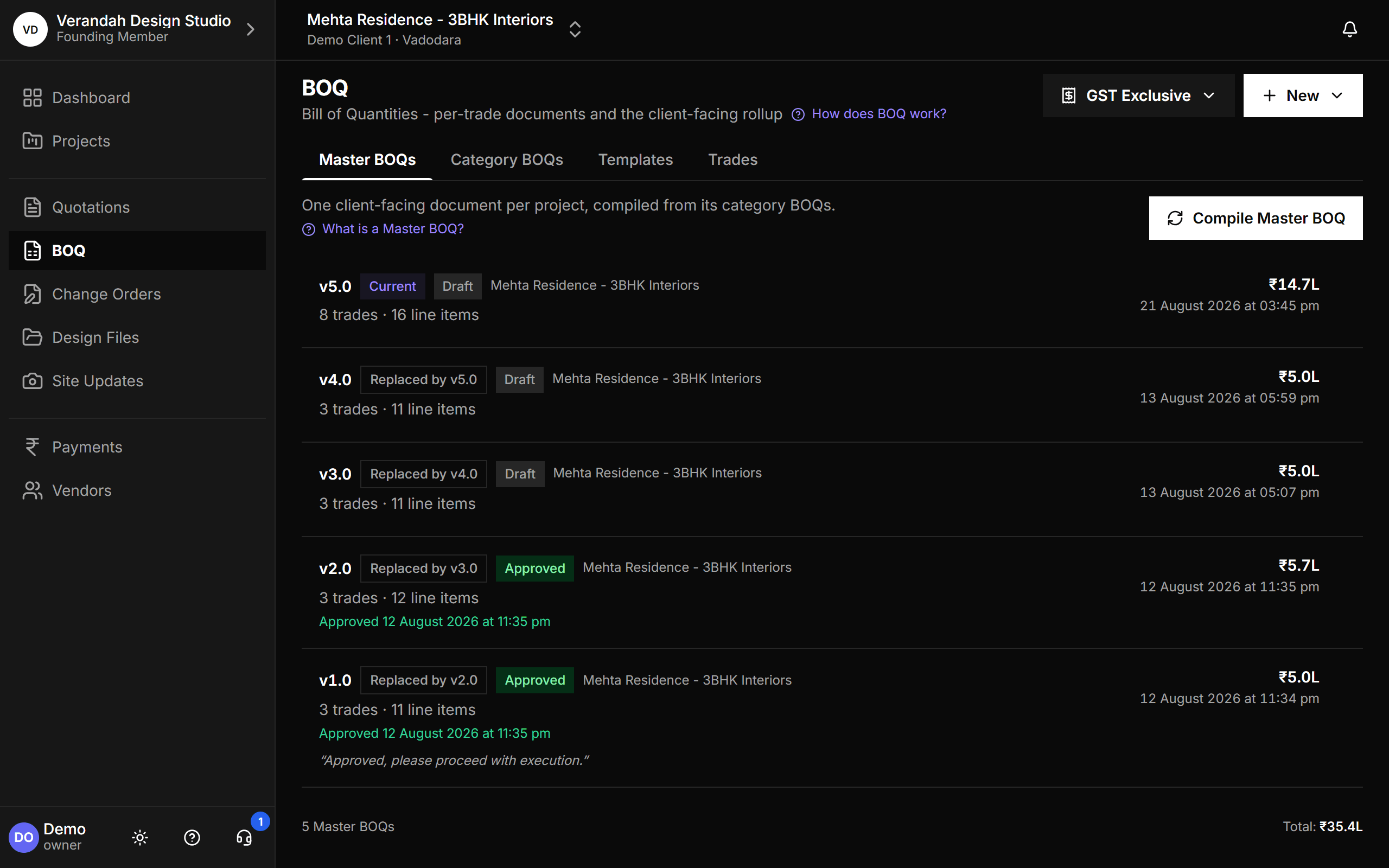
The BOQ page lists every Master BOQ version with what changed between them: how many trades and line items each one holds, which is current, which it replaced, and when the client approved.
- Master BOQs, Category BOQs, Templates and Trades in one place
- Approved versions keep the client's comment
GST your way: exclusive, inclusive or none
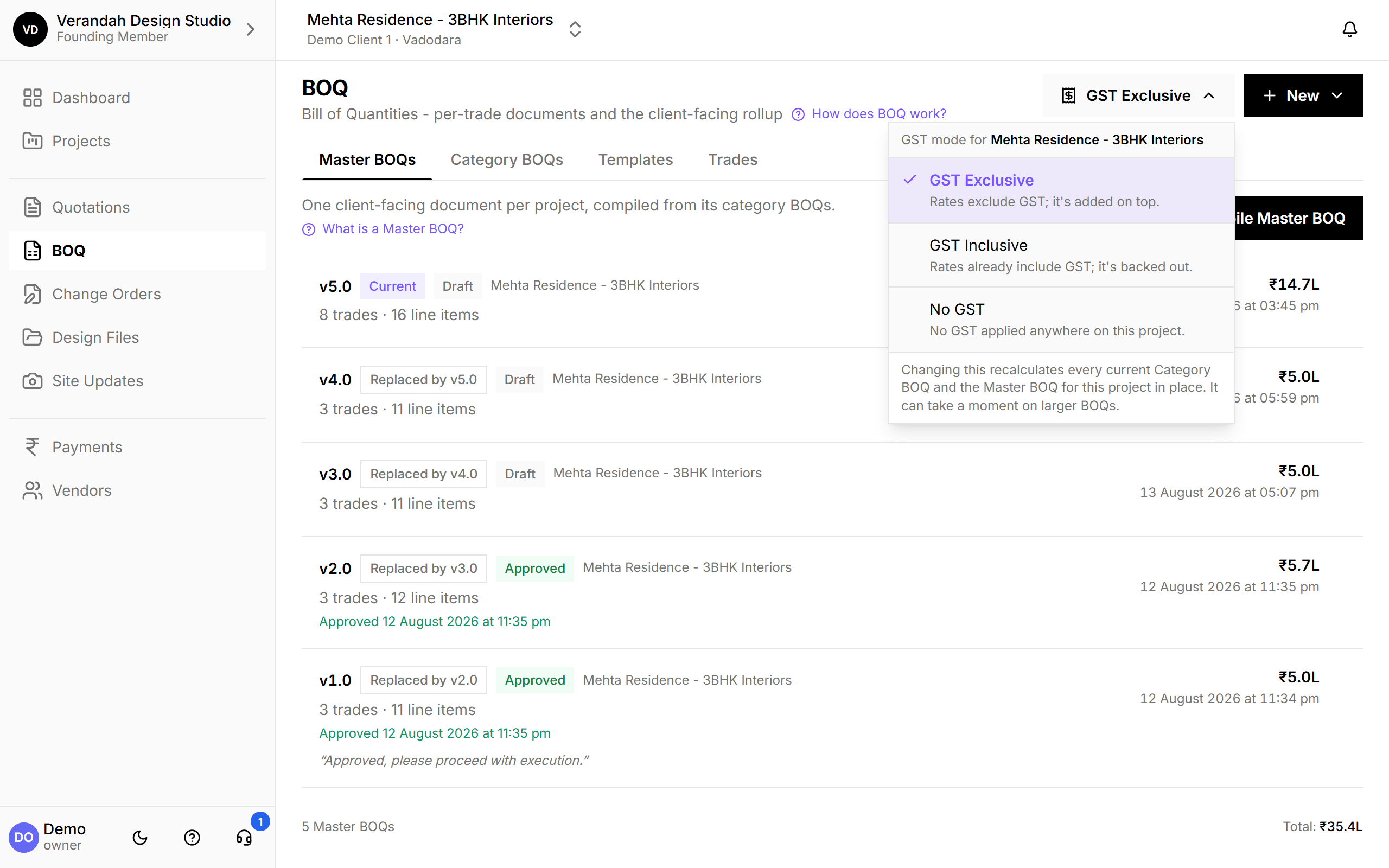
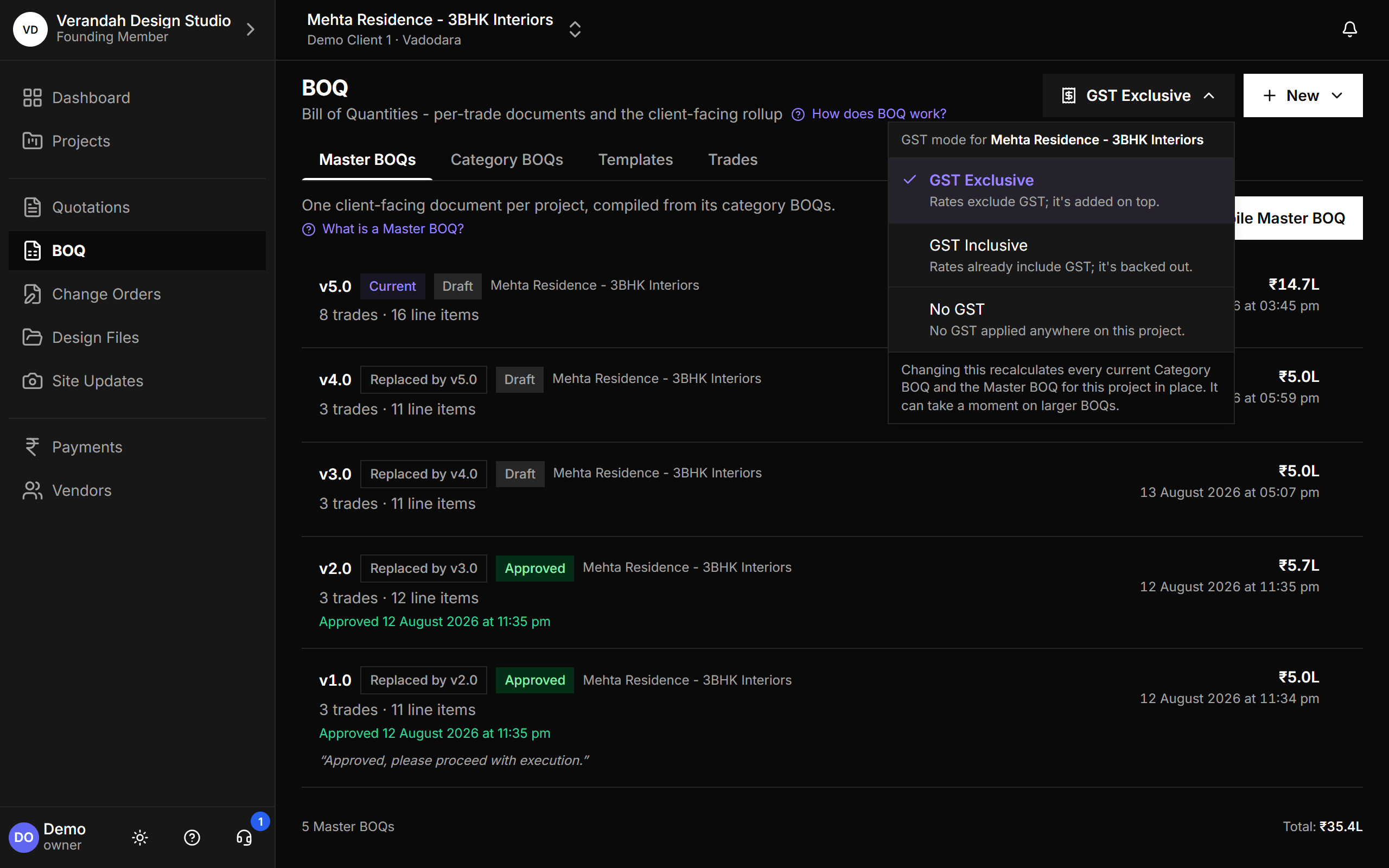
Some clients are quoted rates plus GST, some all-in, some with no GST at all. Set the GST mode per project and Vismayum recalculates every current Category BOQ and the Master BOQ in place. Once the client approves the Master BOQ, the mode is locked.
- GST Exclusive: rates exclude GST, it's added on top
- GST Inclusive: rates already include GST, it's backed out
- No GST: nothing applied anywhere on the project
Tidy trades, without breaking anything
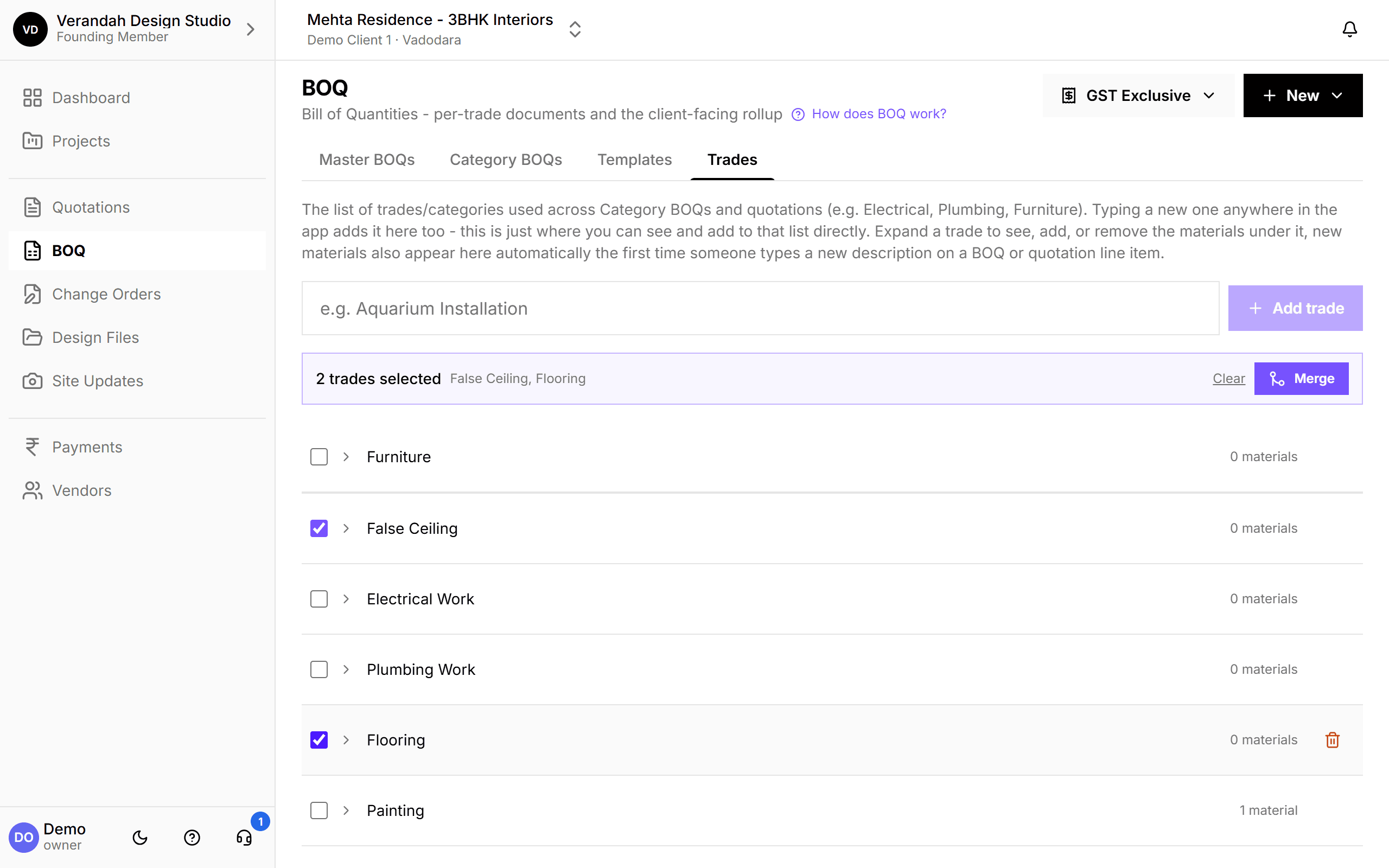
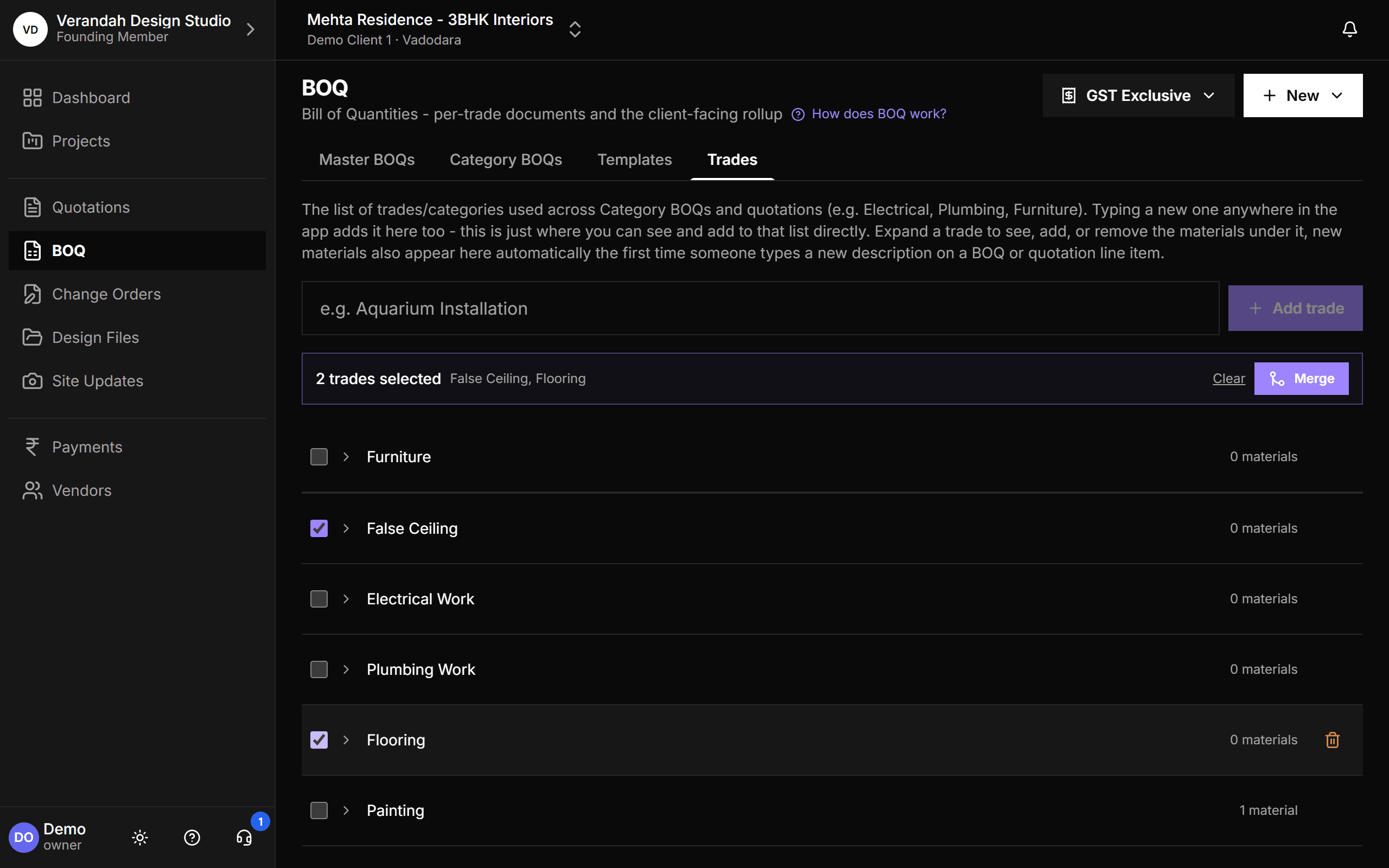
Trades are your studio's own list. Expand one to see its materials. When the same trade has crept in twice ("Electrical" and "Electrical Work"), select both and merge: every BOQ, material, vendor and change order is moved onto one trade, and you review the result before anything changes.
- Three steps: choose the name, resolve duplicate materials, review
- Blocked, with the reason shown, if a project would end up with two live BOQs for one trade
Common questions
- What's the difference between a Category BOQ and a Master BOQ?
- A Category BOQ is one trade's document, the one you work on and assign to vendors. The Master BOQ is the client-facing rollup compiled from every trade's current version.
- Can I charge a design fee on the BOQ?
- Yes. Set your Designer Fee once for the studio, then switch it on per Quotation or Master BOQ. Each document keeps its own copy, so changing your fee later doesn't rewrite what a client already approved.
Try it on your next project.
Start with a 30-day free trial - no credit card, no sales call, nothing to pick. Bring one real project, run it end to end, and decide after. You also get a direct line to the team building it.
Already using Vismayum? Sign in
Stop running your projects from WhatsApp.
Book your free walkthroughAll data shown - project names, amounts, client details - is fictional test data