Change orders the client actually signs
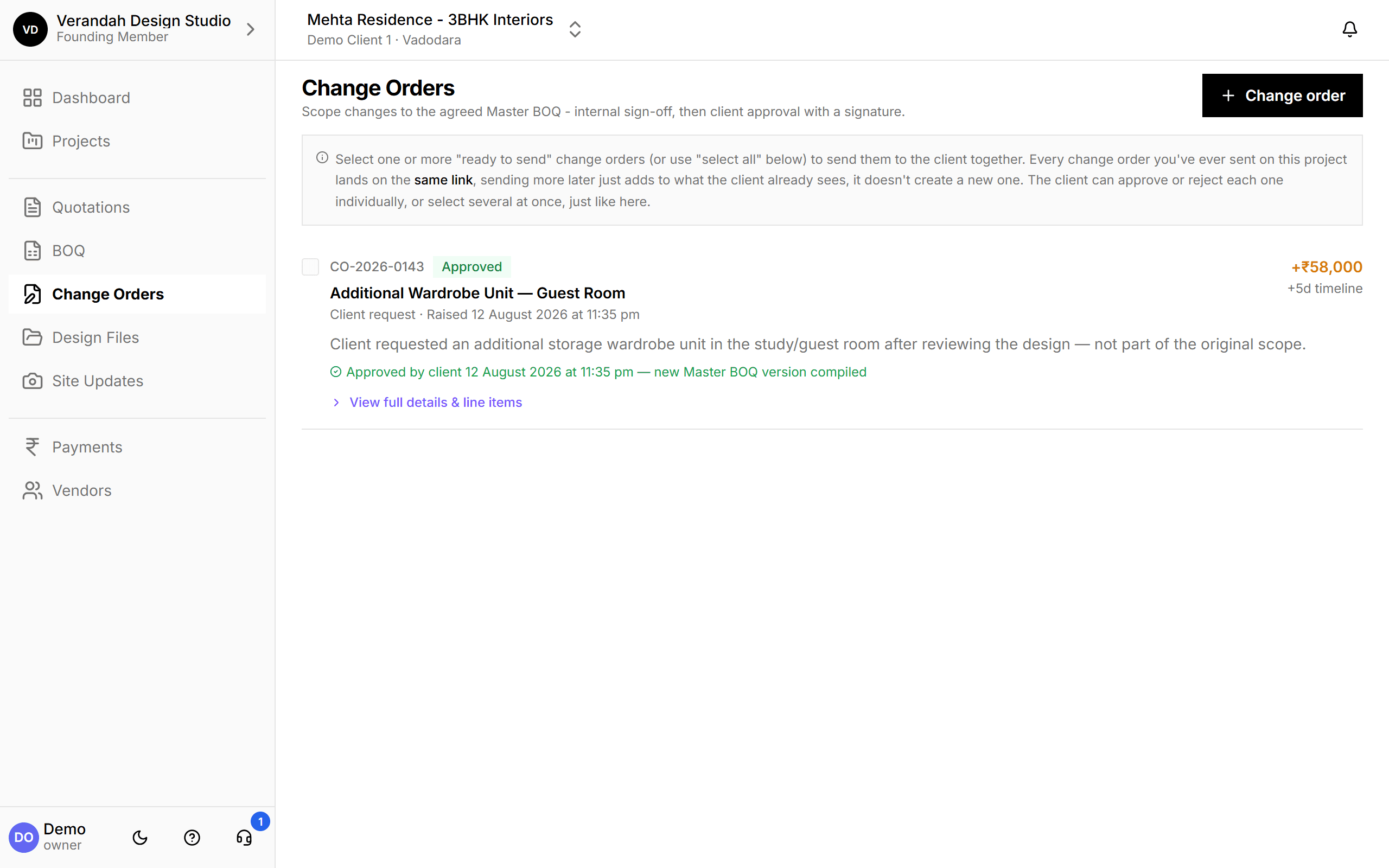
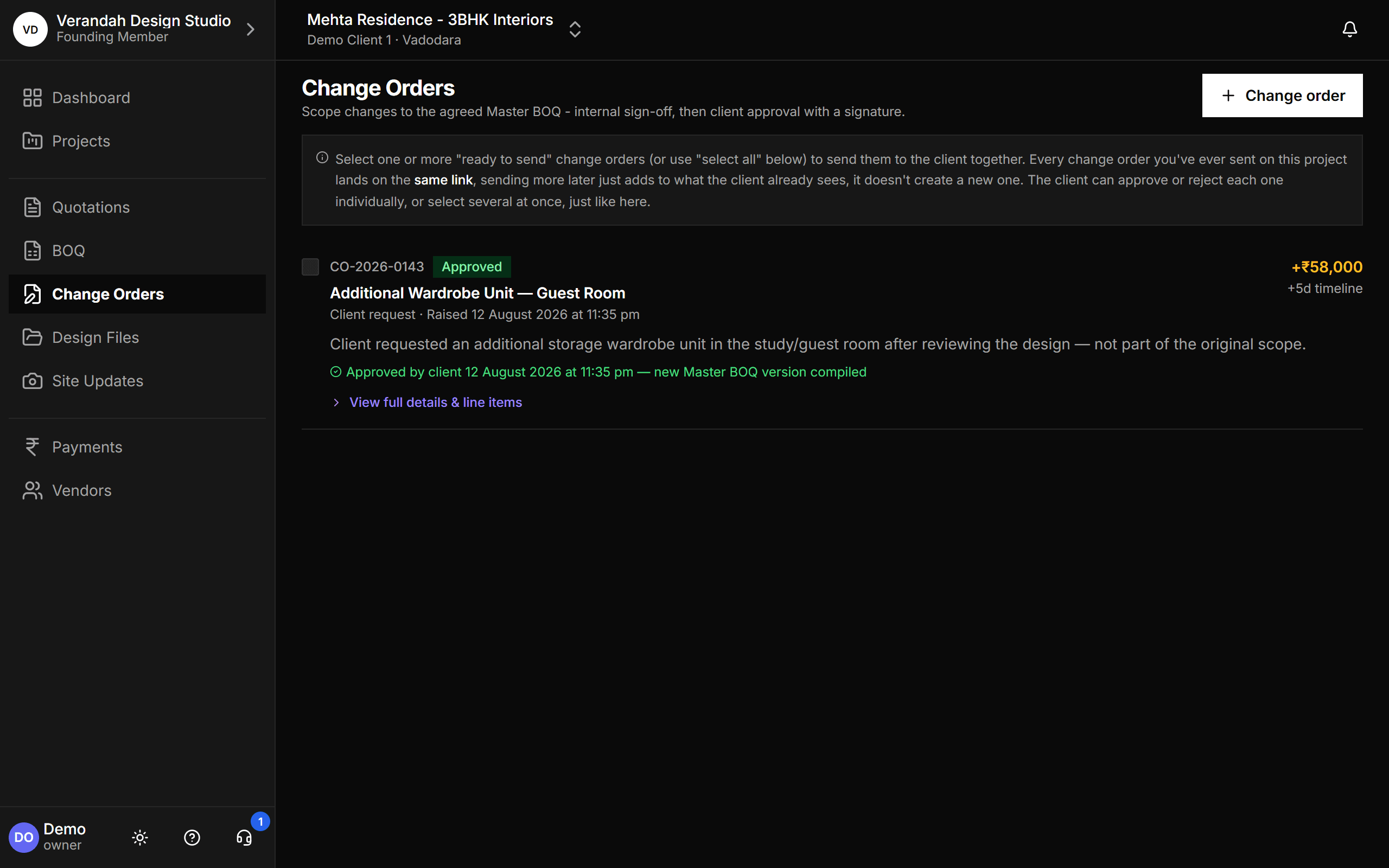
Most money lost on an interiors project is lost to changes nobody wrote down. A change order in Vismayum records what changed, what it costs and how many days it adds, gets signed off by your team, and then by the client on their phone. Approved changes flow straight into a new version of the Master BOQ.
30-day free trial · No card required
- Approval
- Internal sign-off, then client
- Client signs
- On a link, with a signature
- Impact
- Cost and timeline, per change
- On approval
- New Master BOQ version
Start to finish, in 4 steps
- 01
Raise
Describe the change: lines added or removed, room, cost, and days added to the timeline.
- 02
Sign off
An owner or admin approves it internally first.
- 03
Client approves
Send one or several on the same link. The client approves or rejects each, with a signature.
- 04
BOQ updates
A new Master BOQ version is compiled with the approved change included.
What Change Orders can do
Every change, with its cost and timeline
Each change order shows whether it's billable, the amount, the days it adds, and where it stands: draft, ready to send, sent, approved. Send several to the client at once; they all land on the same link, and the client can approve some and reject others.
- Client request or studio-raised, with internal notes
- Additions and removals, by room and trade
A record nobody can argue with
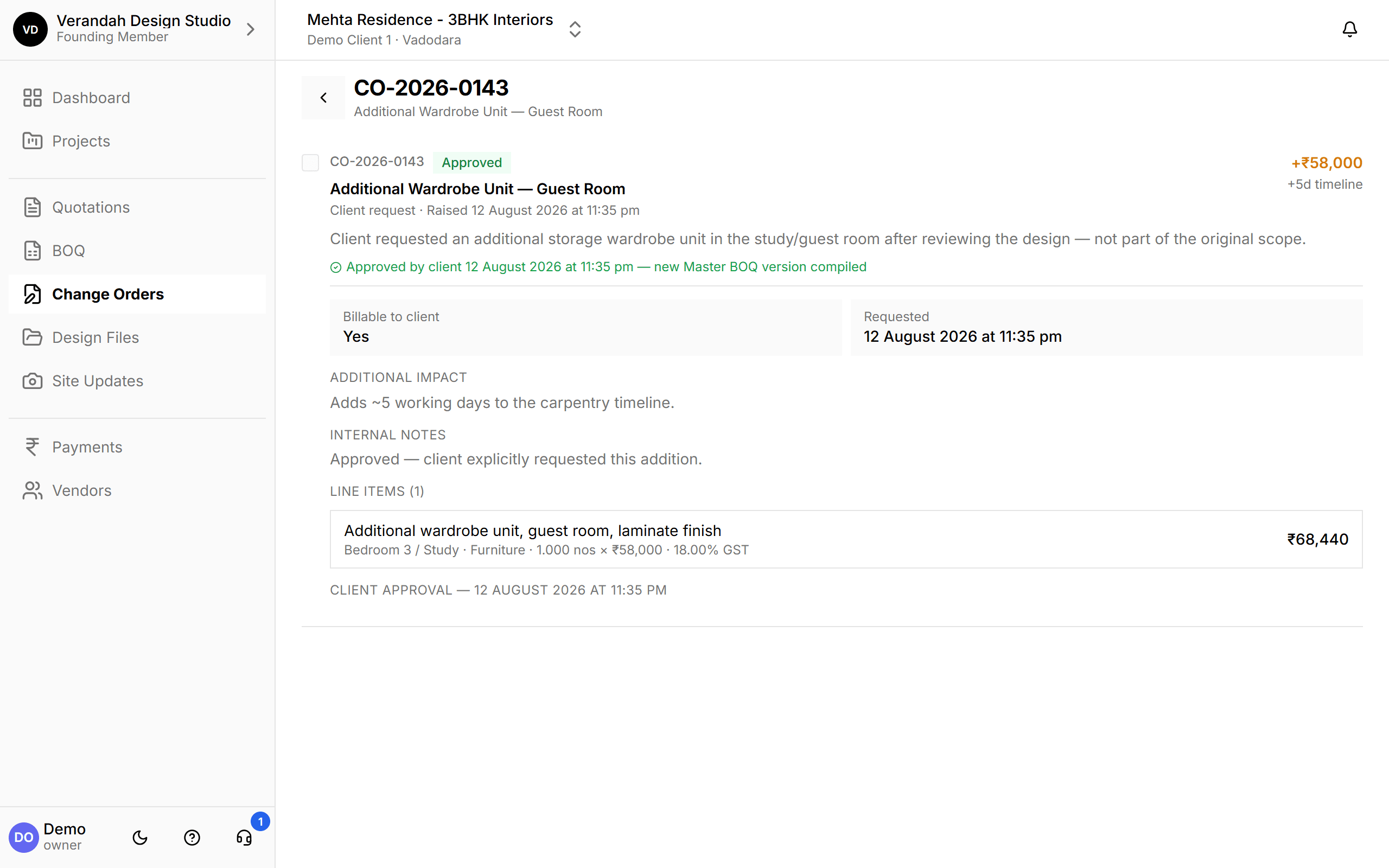
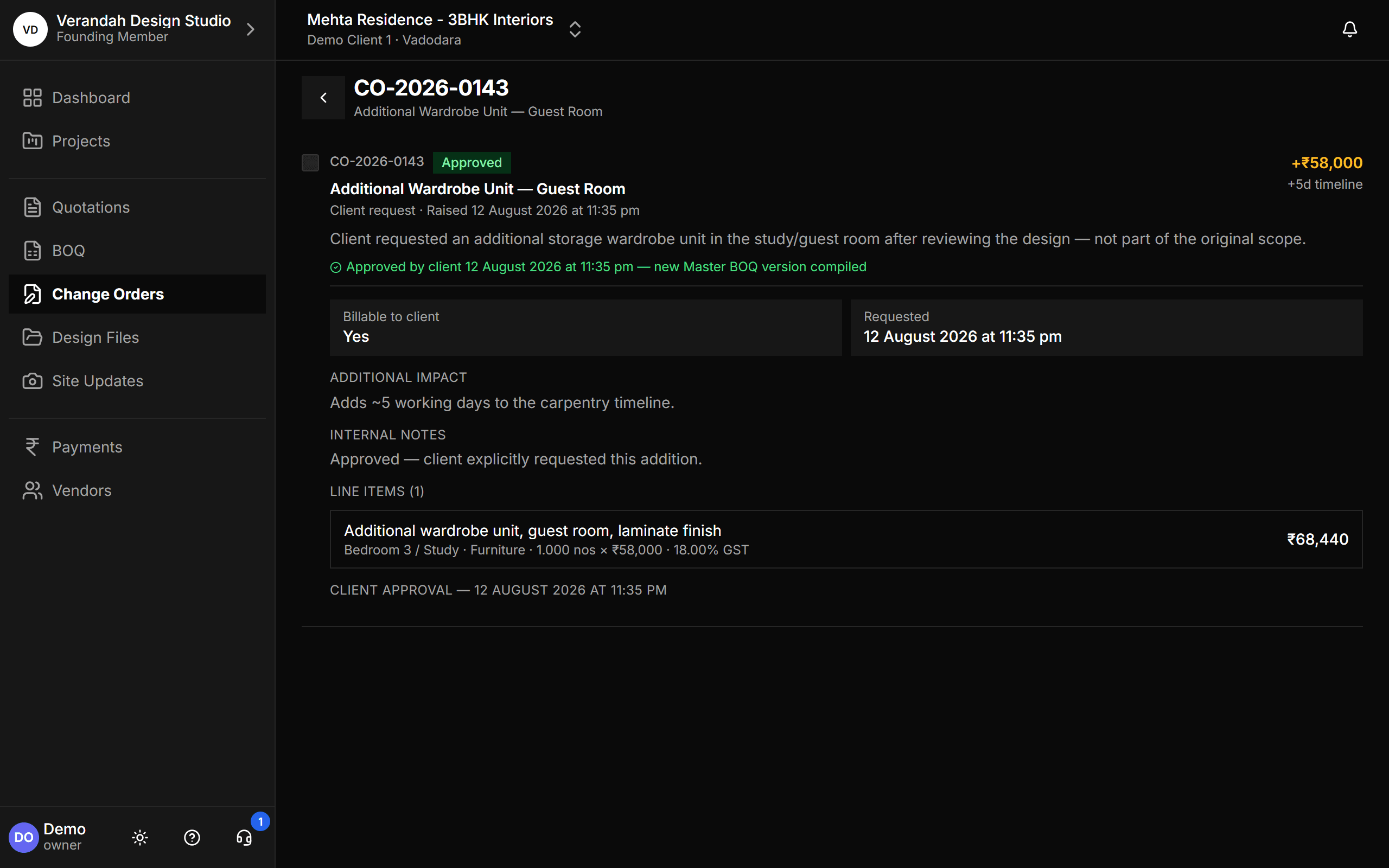
The detail view keeps everything: what changed, why, the line items, who requested it, when the client approved and that a new Master BOQ version was compiled. At billing time, the final number is the BOQ plus every approved change.
- Timestamped client approval
- Line items carry room, trade, quantity, rate and GST
Try it on your next project.
Start with a 30-day free trial - no credit card, no sales call, nothing to pick. Bring one real project, run it end to end, and decide after. You also get a direct line to the team building it.
Already using Vismayum? Sign in
Stop running your projects from WhatsApp.
Book your free walkthroughAll data shown - project names, amounts, client details - is fictional test data