Bring the BOQs you already have
Every studio already has BOQs in Excel and PDF, each laid out a little differently. Vismayum reads them, understands how they are organised, and turns them into real, versioned BOQs. It can also draft a starting BOQ from a floor plan, and keep your own blank template so every new project starts from your structure.
30-day free trial · No card required
- Upload
- PDF, .xlsx or .xls, up to 20MB
- From a drawing
- PDF, JPG, PNG or WEBP
- Matching
- Matched · Possible match · New
- Nothing created
- Until you confirm
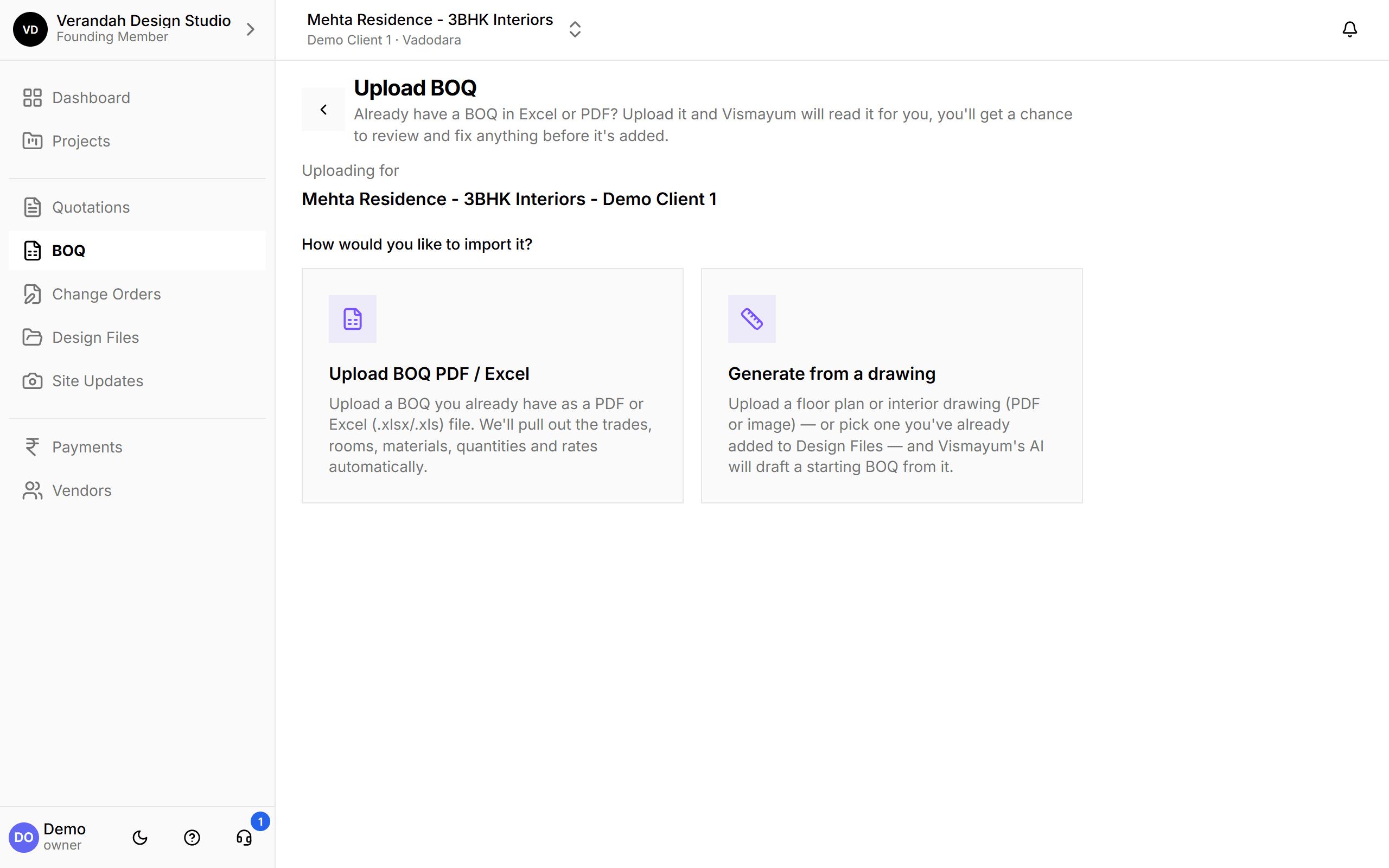
Start to finish, in 4 steps
- 01
Upload
A BOQ in Excel or PDF, a floor plan, or a drawing already in Design Files.
- 02
Read
Vismayum works out the file's layout and pulls out trades, rooms, materials, quantities and rates.
- 03
Review
Every item is matched to your studio's own trades, rooms and materials. Fix anything that needs it.
- 04
Confirm
It lands as real Category BOQs, in the same builder, with versions and client approval from day one.
What BOQ Import & Templates can do
Excel or PDF, whatever layout it's in
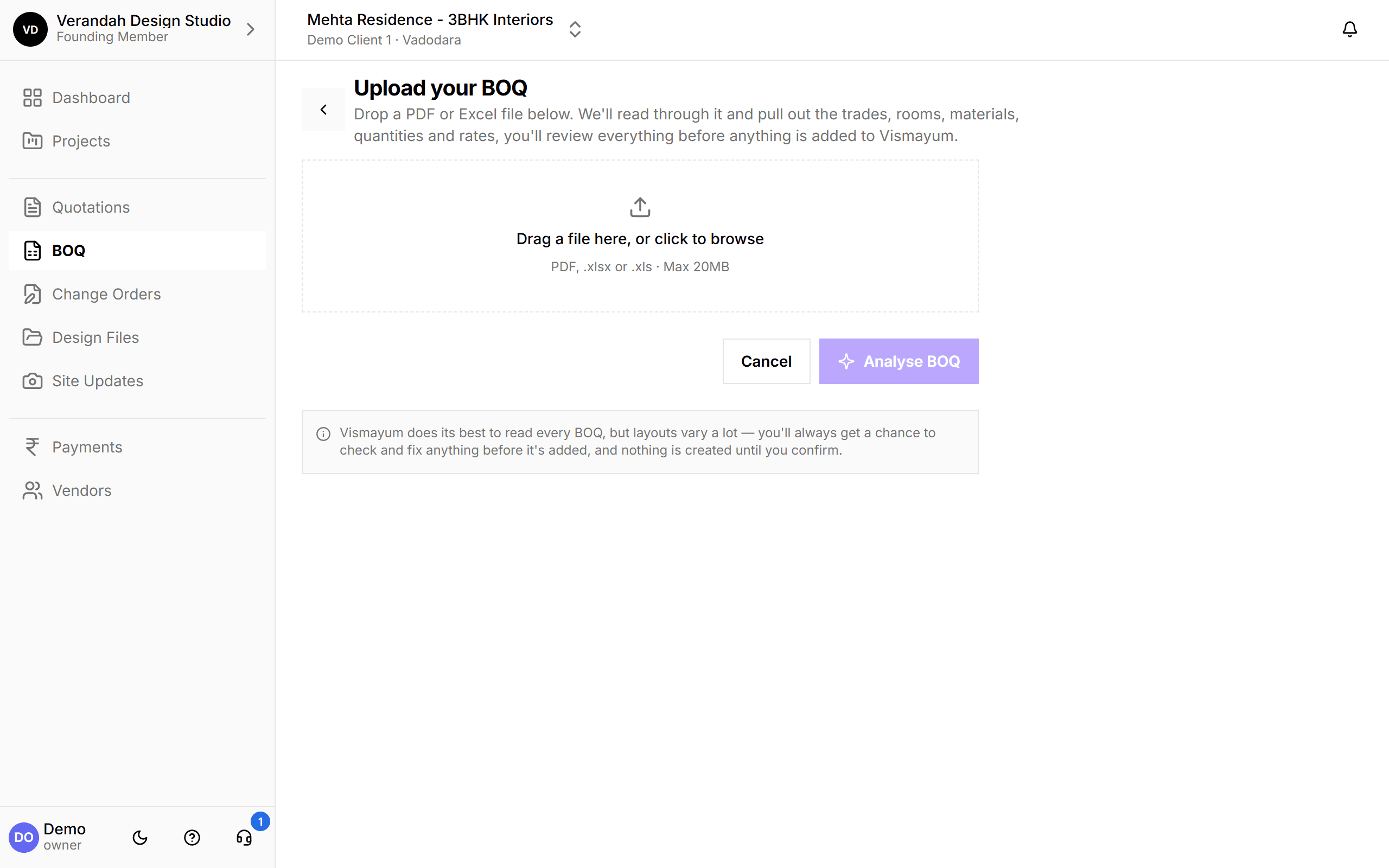
BOQs come trade-wise, room-wise, lettered, nested, with category columns or without. Vismayum works out the structure of your file first, then reads each line. The AI only looks at the headings to understand the layout. Quantities, rates and amounts are read exactly as written, never guessed.
- Handles trade-first and room-first files, and one sheet or many
- Matching in plain language: Matched, Possible match - is this the same?, or New
- You review and correct before anything is added
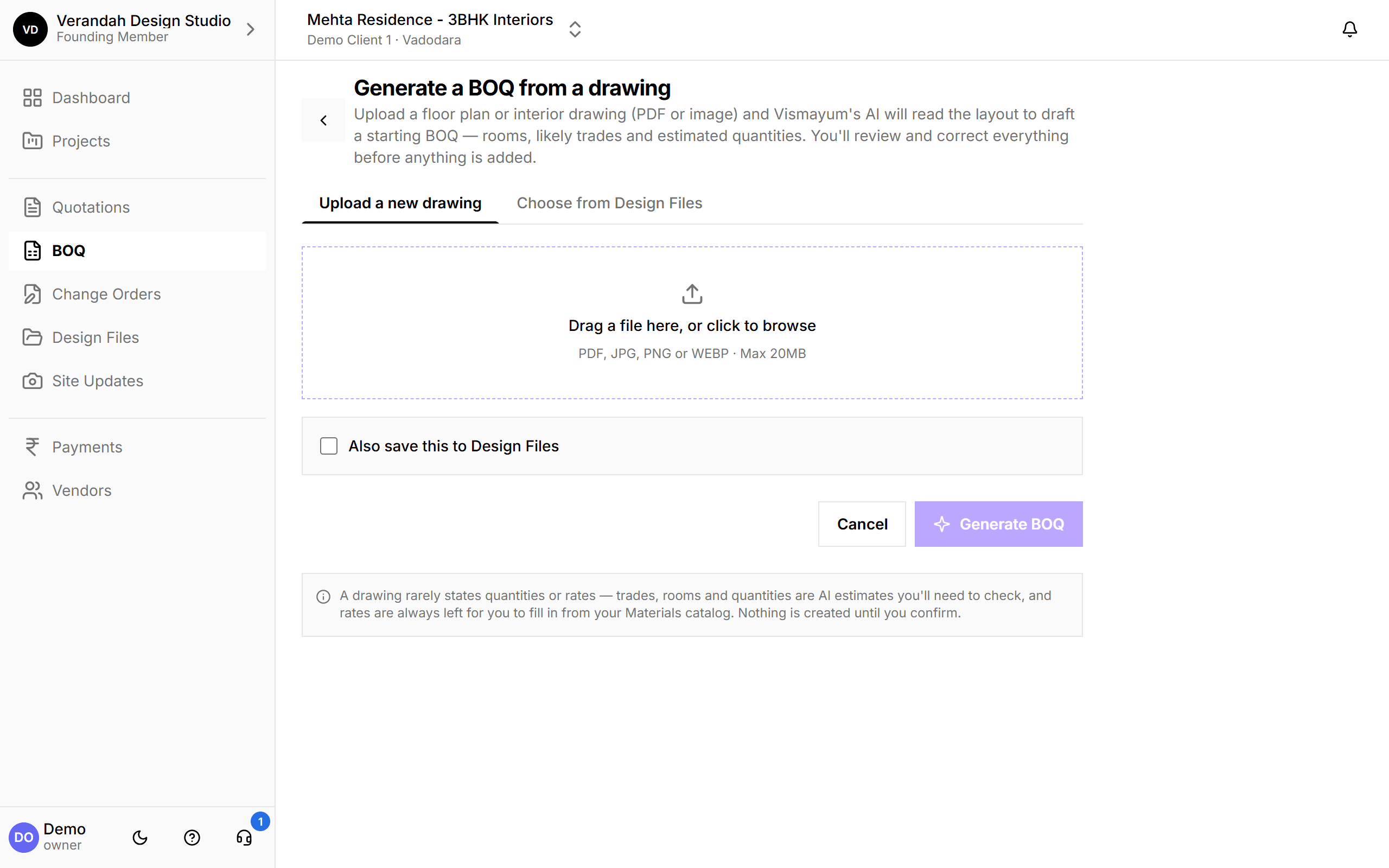
Start from a floor plan instead
No BOQ yet? Upload a floor plan or interior drawing, or pick one you've already added to Design Files, and Vismayum drafts a starting BOQ: the rooms, the likely trades, and estimated quantities. Rates are left for you to fill from your materials catalog, because a drawing rarely states them.
- Optionally save the drawing to Design Files at the same time
- Everything is an estimate you check, nothing is created until you confirm
Your own template, reused on every project
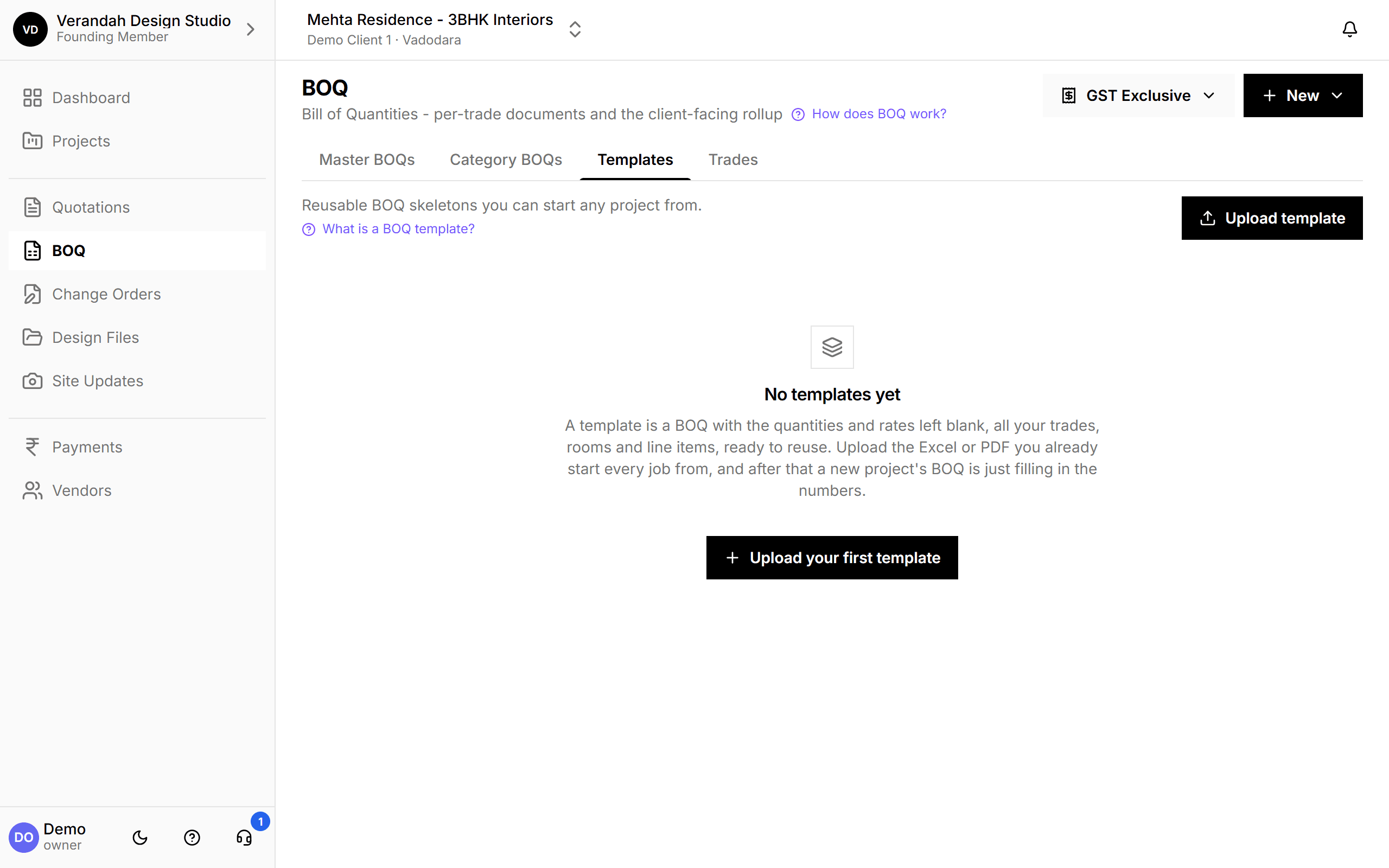
Most studios start each job from the same Excel file. Upload it once as a template: all your trades, rooms and line items, with the quantities and rates left blank. A new project's BOQ is then just filling in the numbers.
- Upload the Excel or PDF you already use
- Keeps your structure: trades, rooms and line items
Try it on your next project.
Start with a 30-day free trial - no credit card, no sales call, nothing to pick. Bring one real project, run it end to end, and decide after. You also get a direct line to the team building it.
Already using Vismayum? Sign in
Stop running your projects from WhatsApp.
Book your free walkthroughAll data shown - project names, amounts, client details - is fictional test data