Payments in and out, with reminders that send themselves
Money expected from clients, money owed to vendors and contractors, partial payments, and the reminders that chase them. Vismayum builds payments from your BOQs and work orders, keeps their status accurate from dates and what's actually been paid, reminds people automatically, and lays out each project's full payment schedule.
30-day free trial · No card required
- Directions
- Money in and money out
- Create from
- BOQ, work order, or by hand
- Status
- Pending → Due → Overdue → Settled
- Reminders
- Automatic, by email
Start to finish, in 4 steps
- 01
Create
Add a payment by hand, bill trades from the BOQ, or pay a firm from its work order.
- 02
Remind
A reminder schedule is set automatically from your studio default, or per payment.
- 03
Record
Log what's received or paid, in full or in part, and the status follows.
- 04
Review
See what's overdue, by project or across the studio, and the whole job's schedule.
What Payments & Reminders can do
Everything coming in and going out
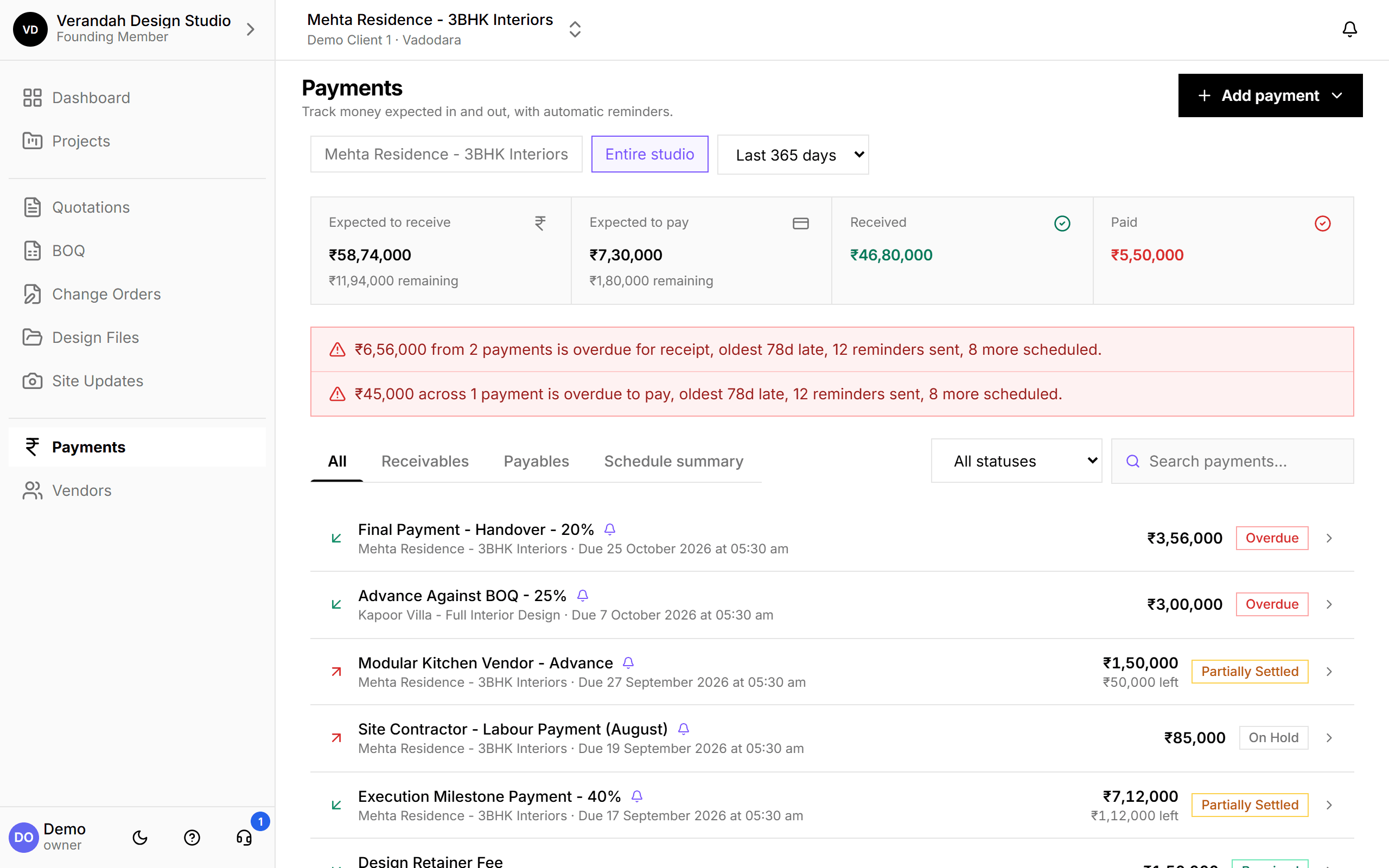
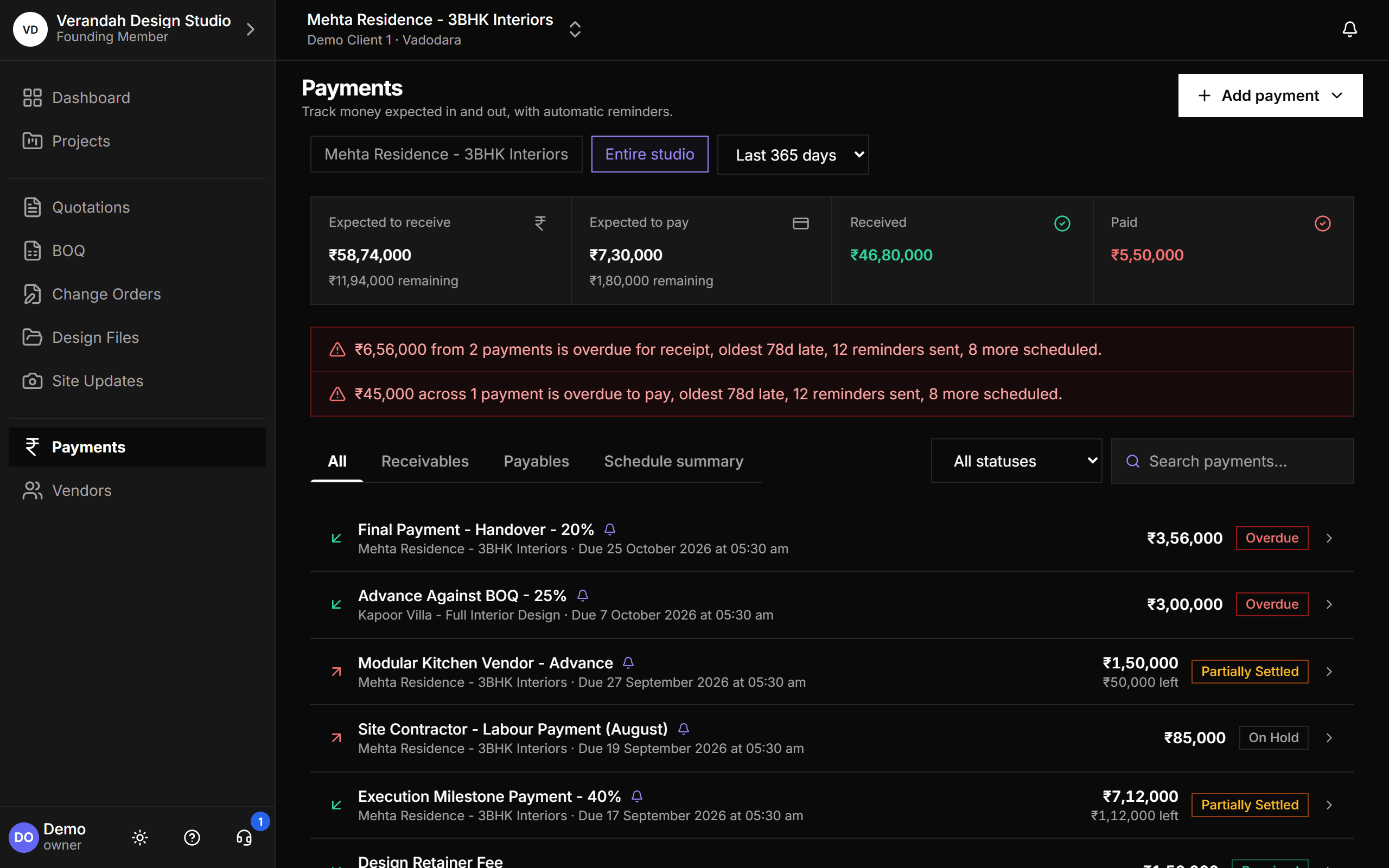
Expected to receive, expected to pay, received and paid, for one project or the entire studio, over any period. Overdue payments are called out at the top, and every row shows its status without you ever setting it by hand.
- Pending, Due, Overdue, Partially Settled, Settled - derived from dates and payments
- On Hold and Cancelled when you need them
- Filter by period, status, or search
Three ways to add a payment
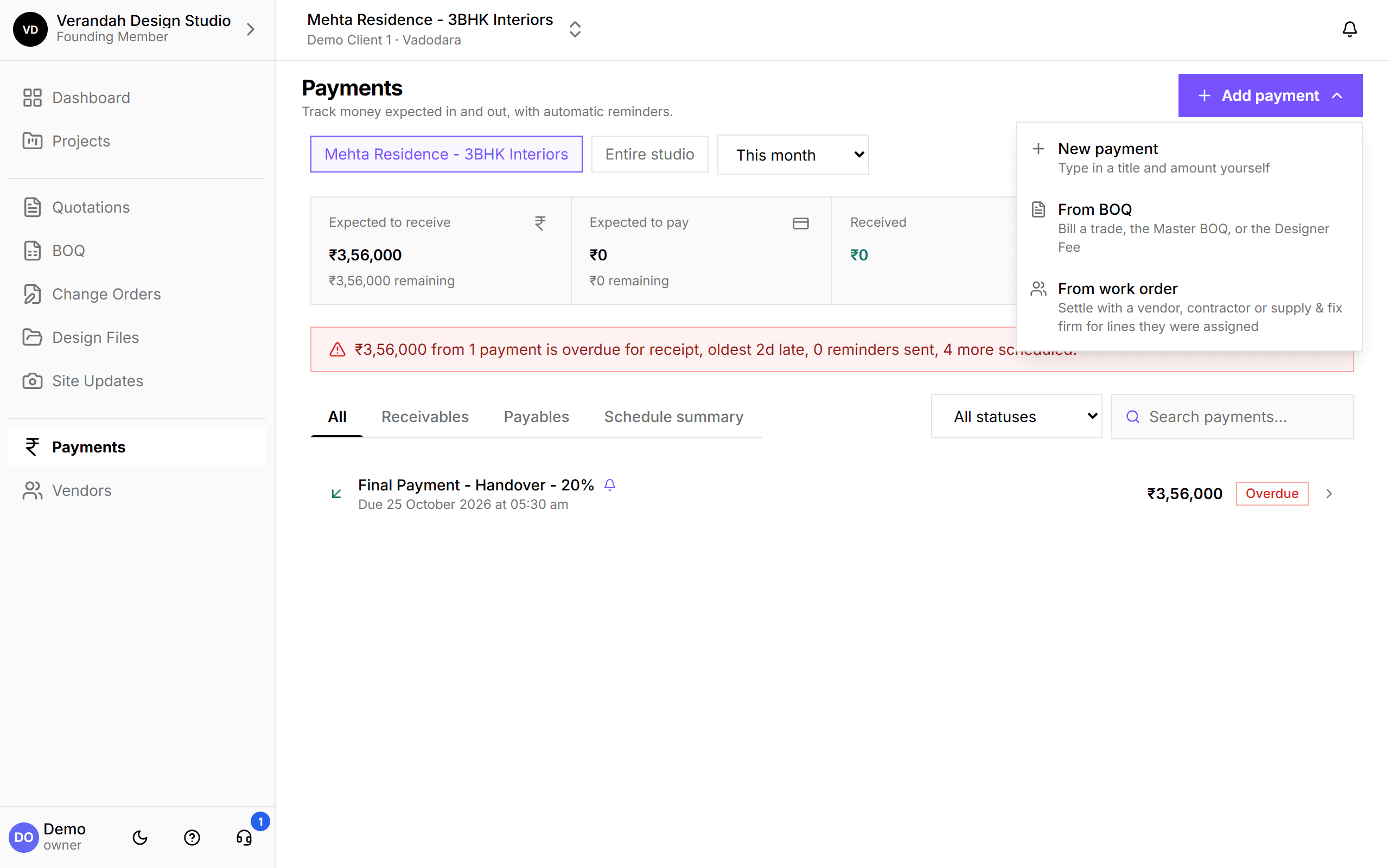
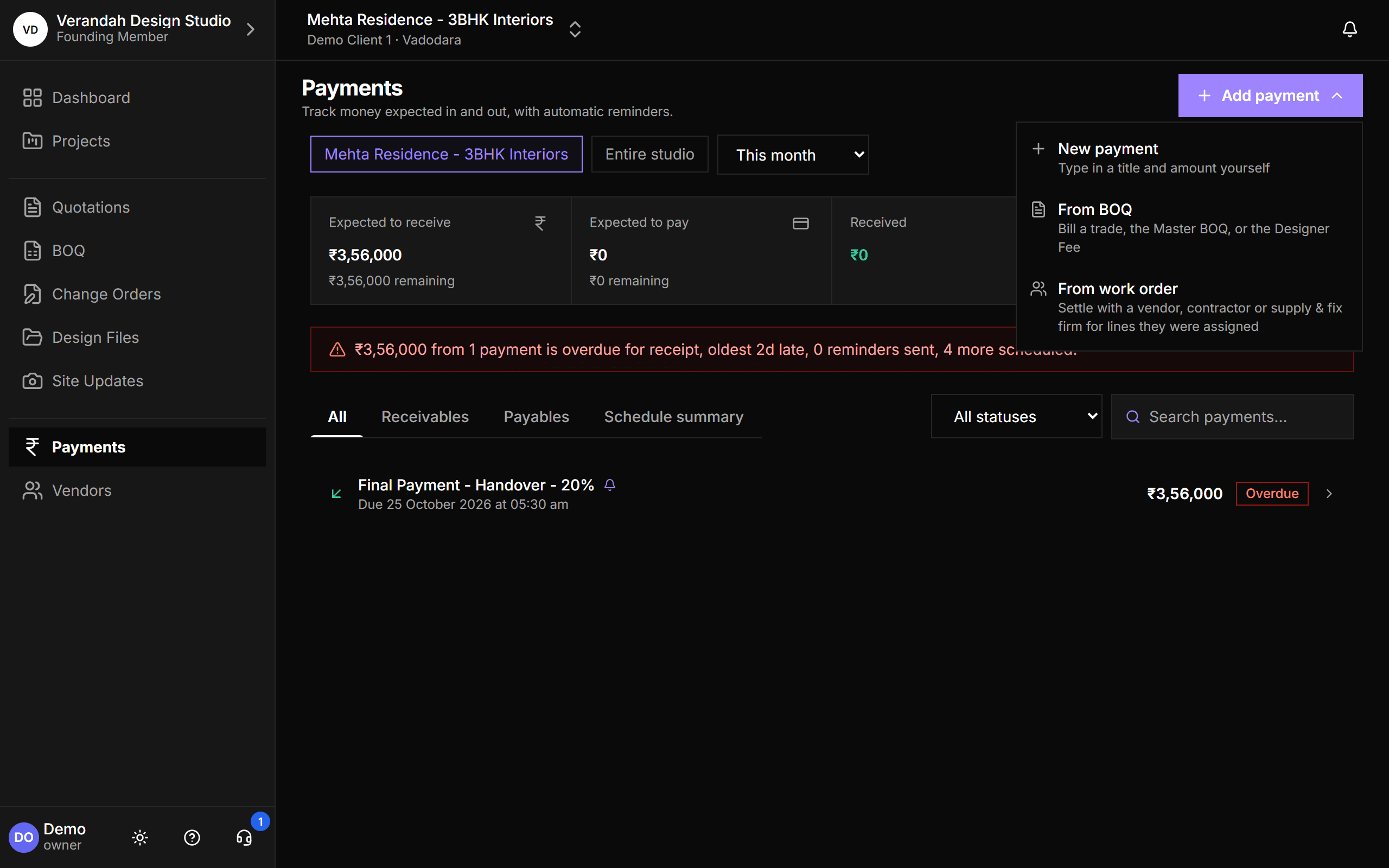
Type in a one-off payment, bill straight from the BOQ, or create what you owe a firm from its work order. Payments made from a document remember where they came from, so you're warned before billing the same thing twice.
- New payment: a title and an amount
- From BOQ: bill by trade, the whole project, or the Designer Fee
- From work order: money out to a firm, or money in for that firm's work
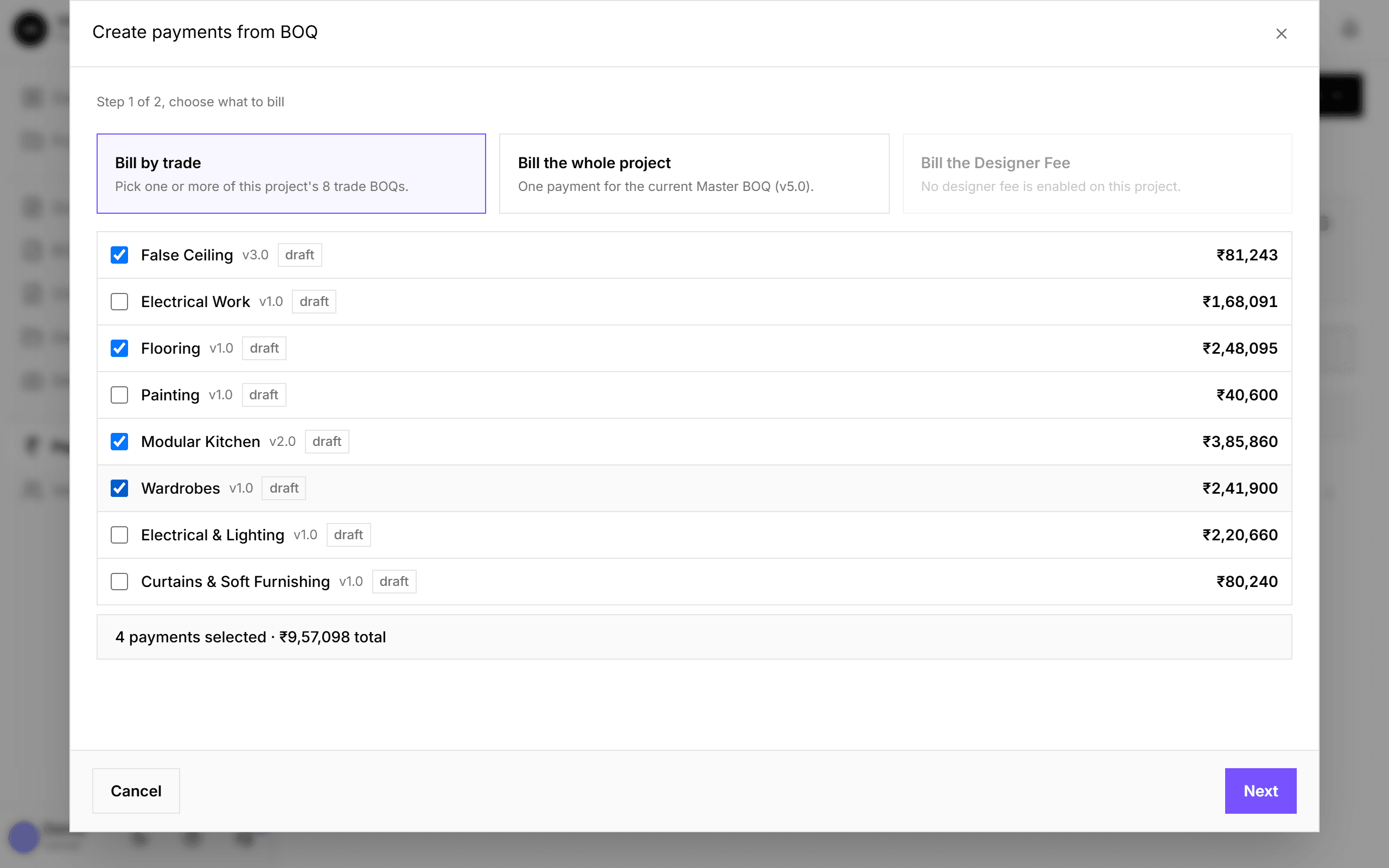
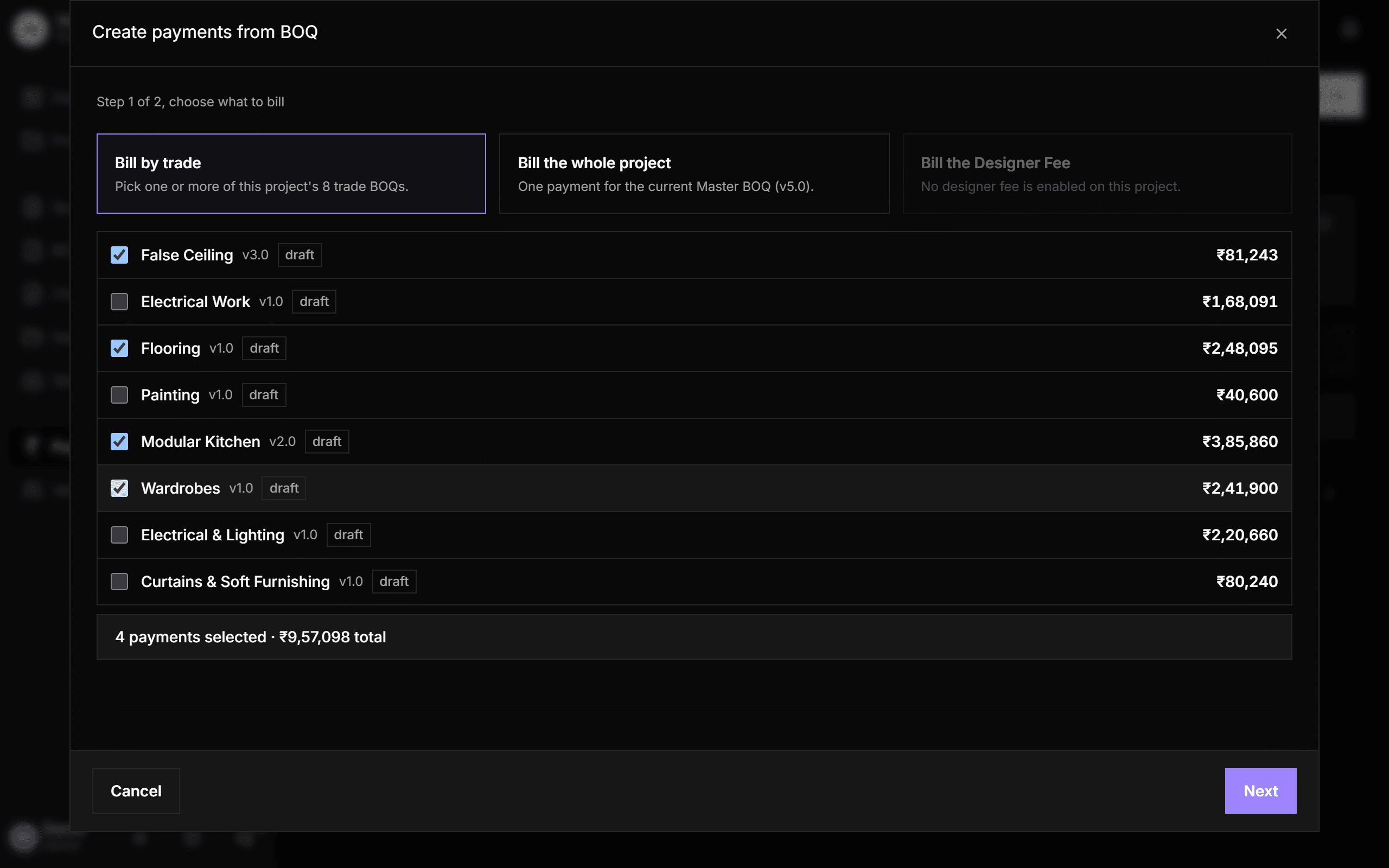
Bill straight from the BOQ
Choose trades, the whole Master BOQ, or the Designer Fee, then set one due date for all or customise each payment. Each payment can name the firm doing that trade and the milestone it bills against.
- Two steps: choose what to bill, then preview and customise
- A milestone pre-fills the expected date from its plan
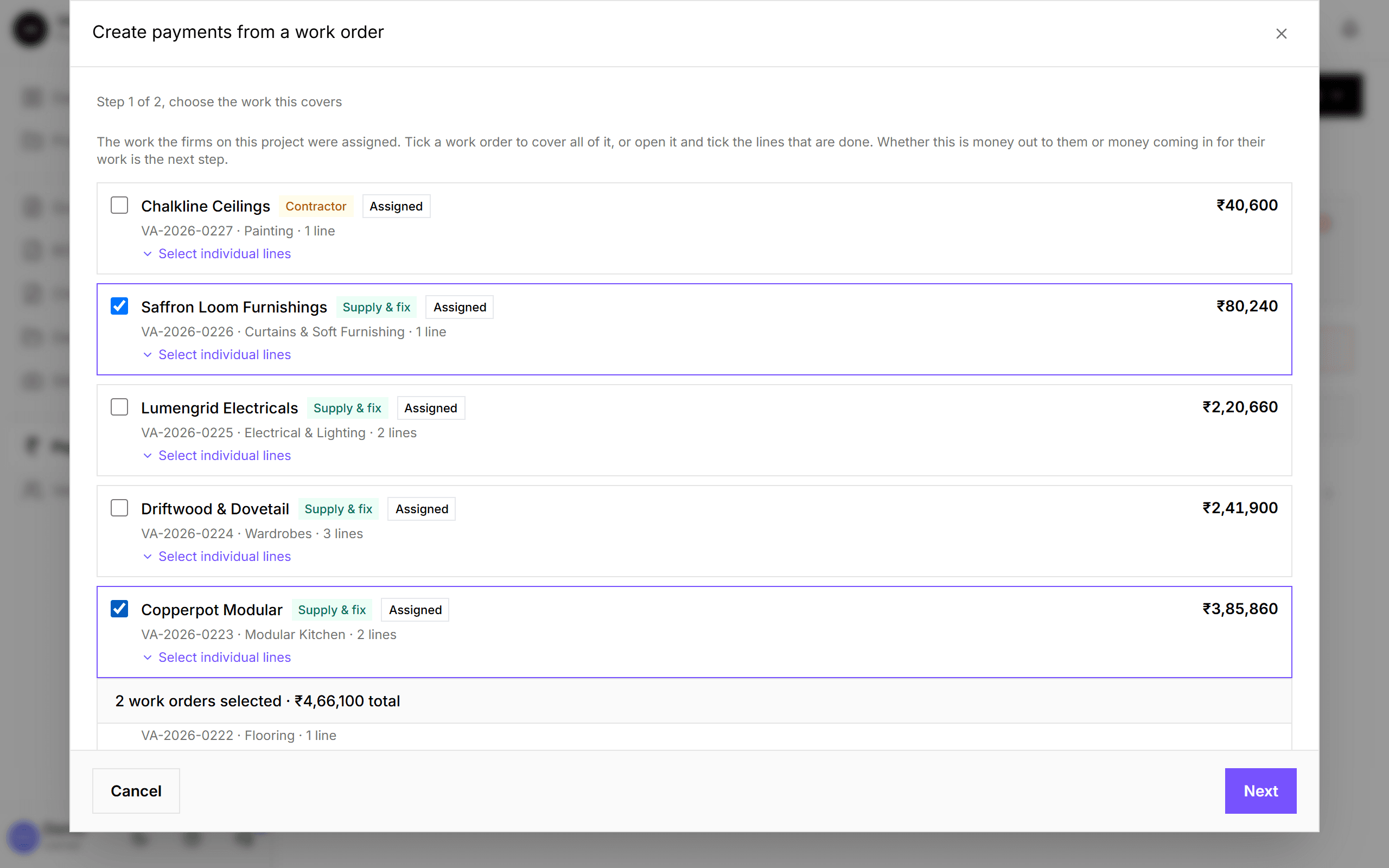
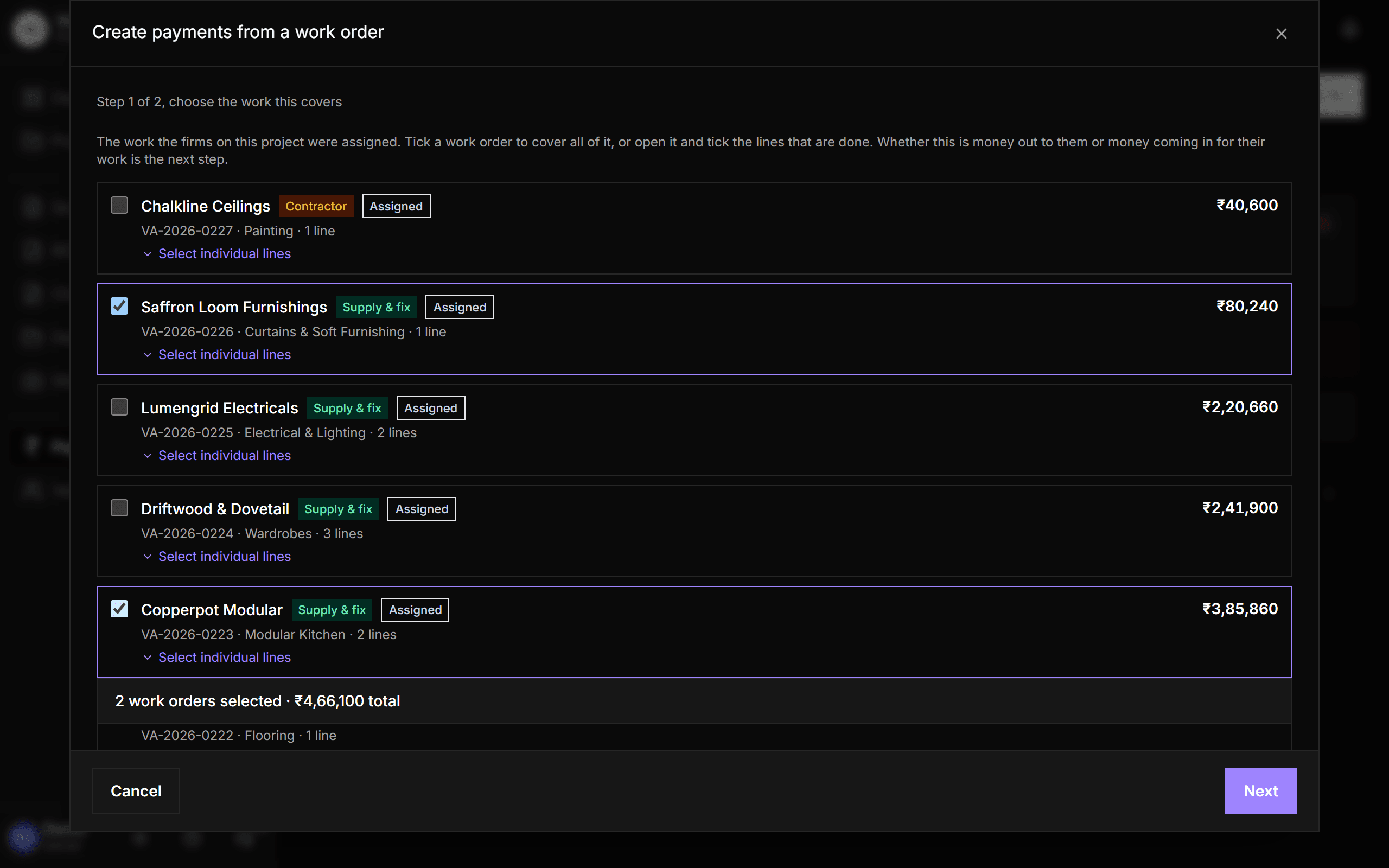
Pay firms from their work orders
Tick a firm's work order, or open it and pick only the lines that are done, and Vismayum creates the payment linked to that firm. The firm comes from the work order itself, so money is always filed against the right one.
- Shows what's already committed against each work order
- Several firms in one go, all or nothing
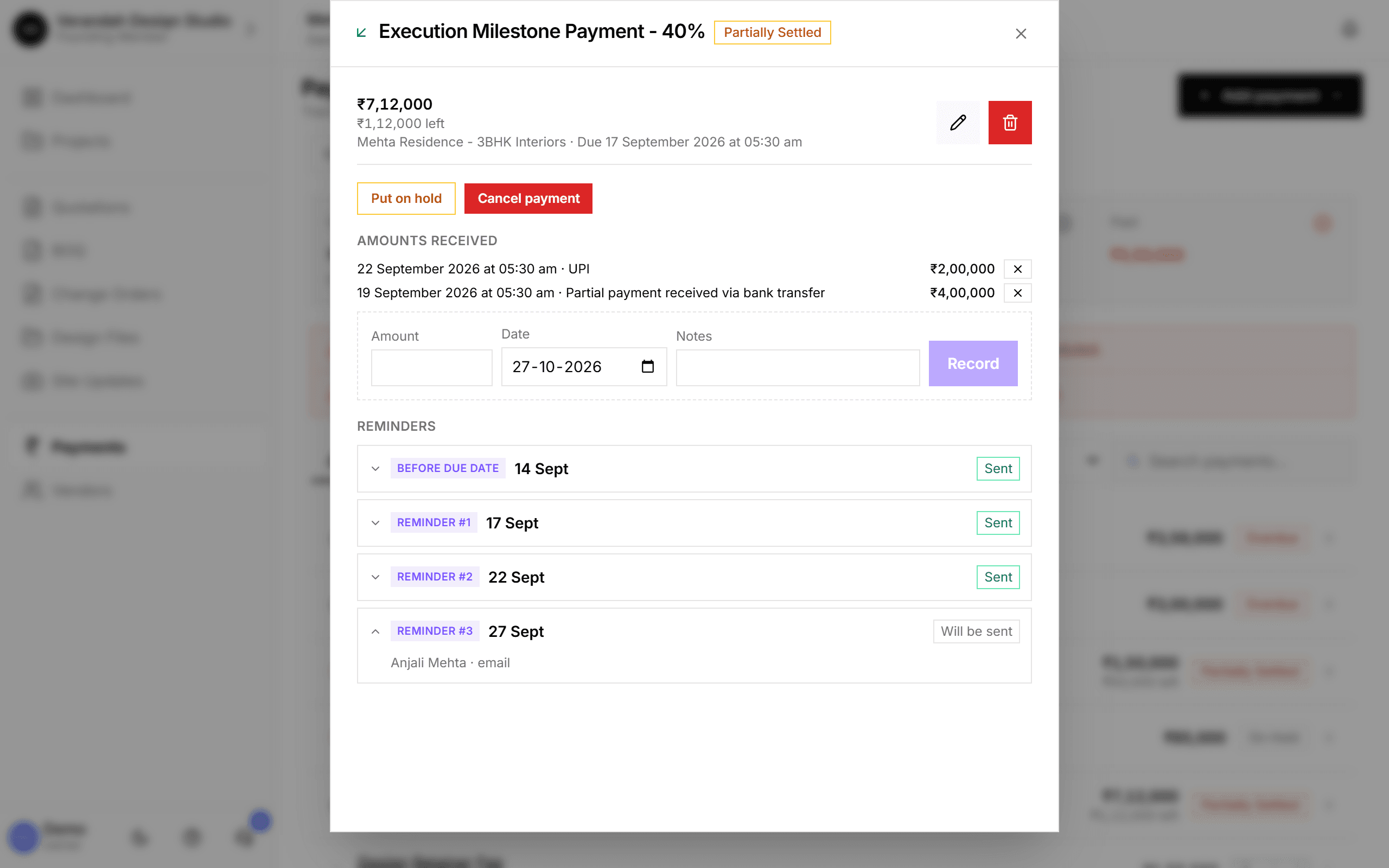
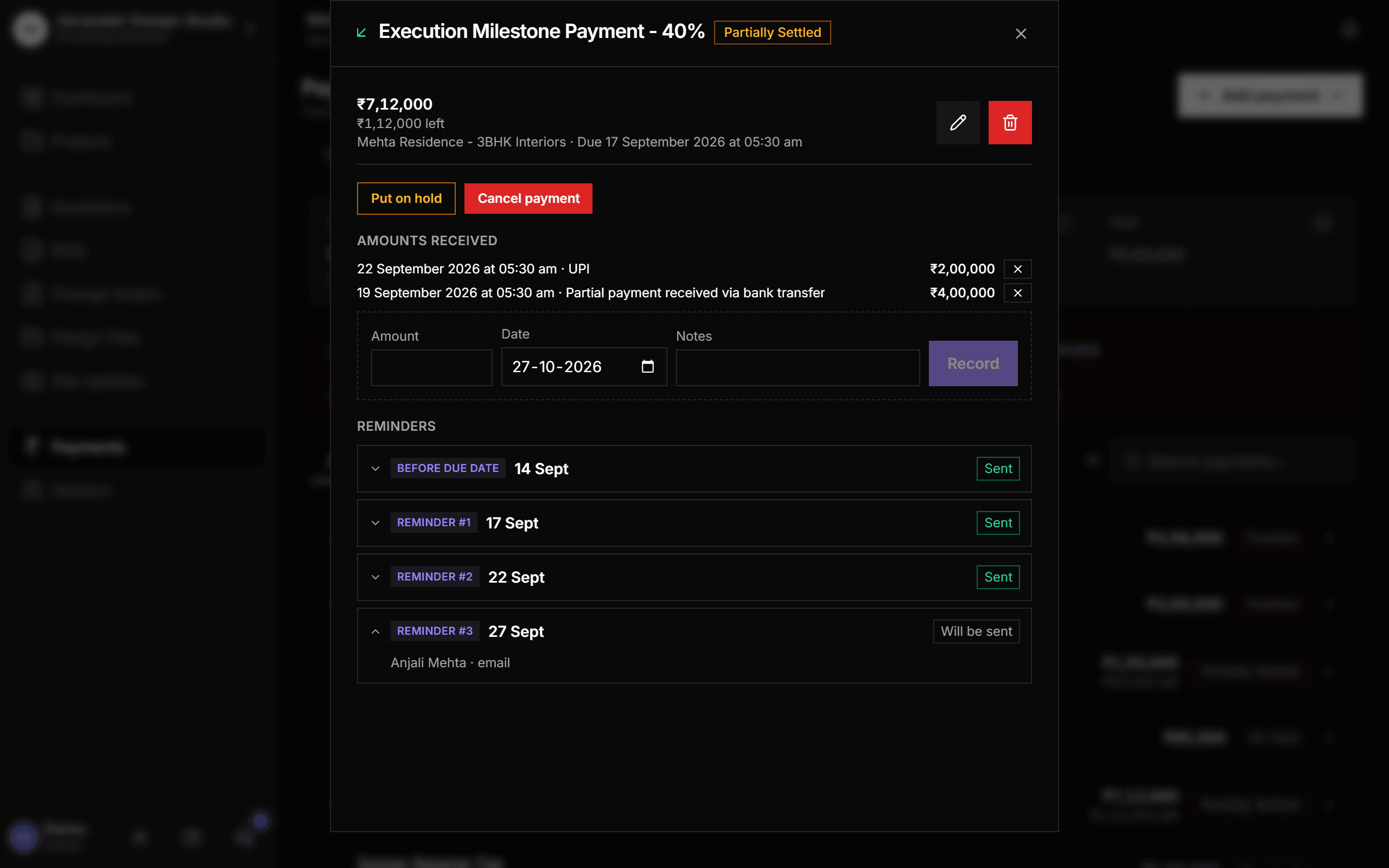
Partial payments and reminders on every payment
Open a payment to record what's come in, in as many parts as it arrives, with the date and a note. Below it, the reminder timeline shows what was sent and what's next. Reminders keep going until the payment is settled, and chase the remaining balance, not the original amount.
- Before-due and after-due reminders, every few days
- Preview the exact email before anything is scheduled
- Studio-wide default, or a different schedule per payment
The payment schedule, the way you already keep it
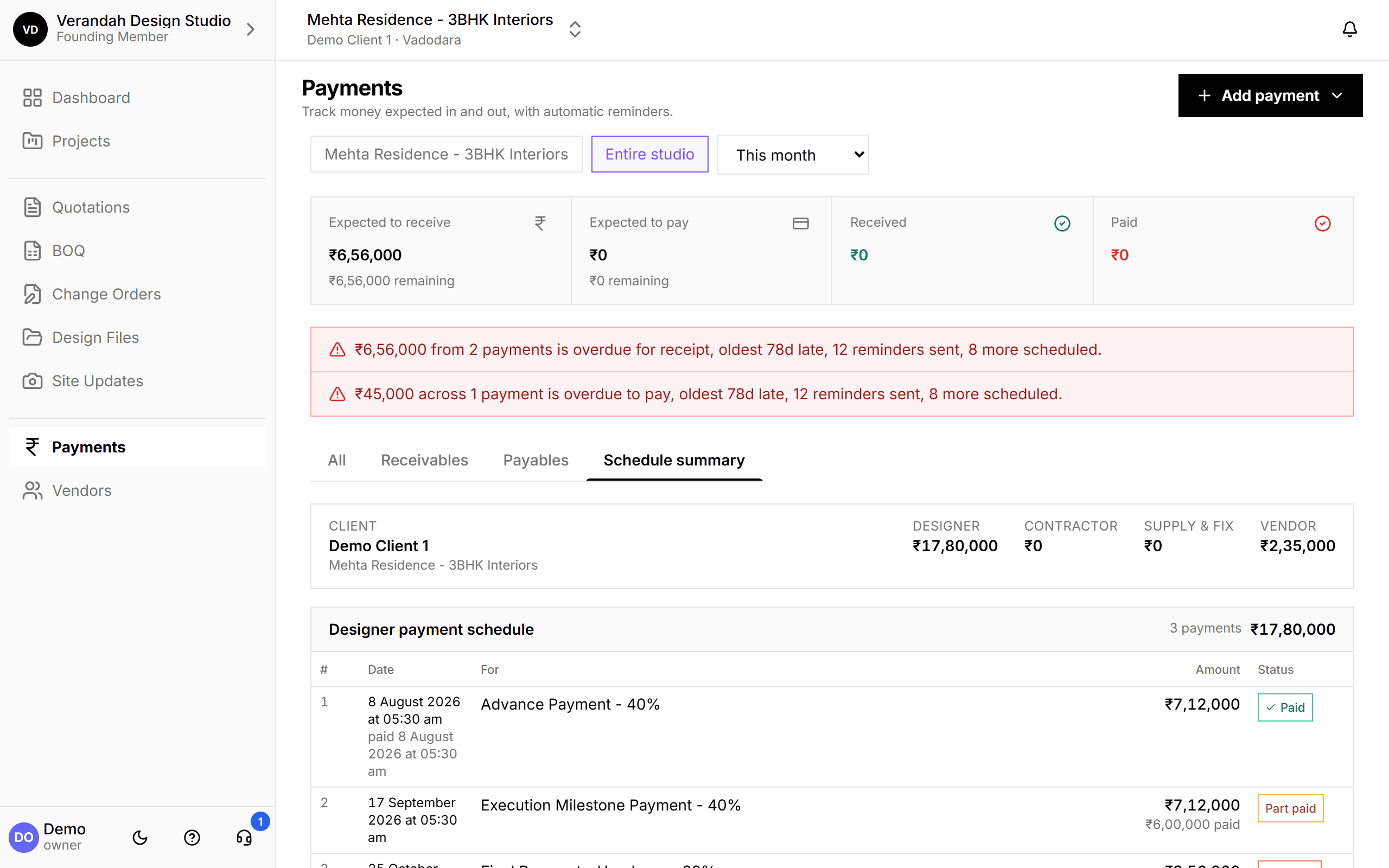
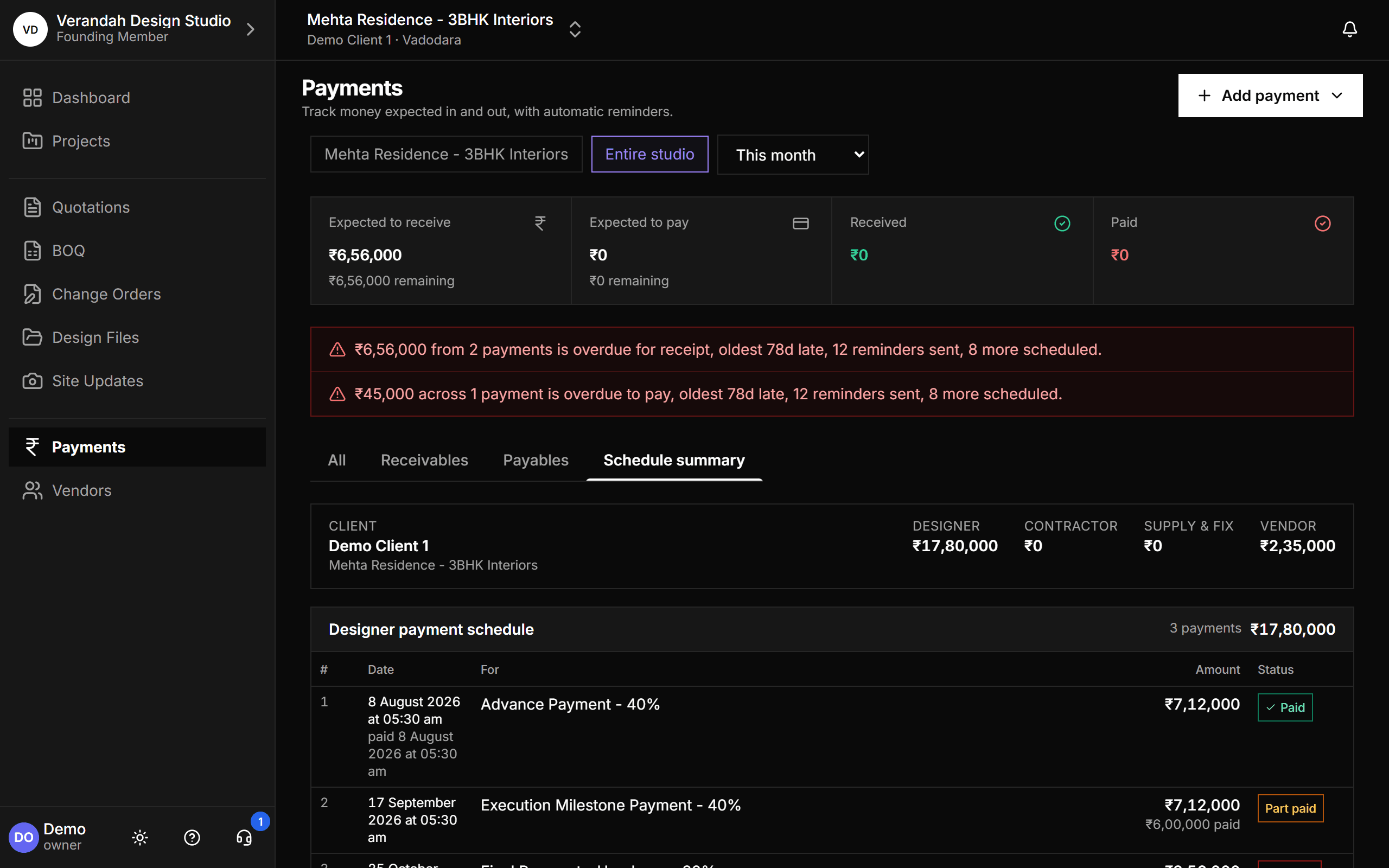
Schedule summary reproduces the payment-schedule sheet studios keep beside their BOQ: the client's instalments first, then a section each for contractors, supply-and-fix firms and vendors, grouped per firm with subtotals and one grand total. Part-paid rows say so, instead of being forced into paid or to-pay.
- One project at a time, headed by the client
- Totals always add up to the contract
Common questions
- Do reminders really get sent?
- Yes, by email, on the schedule you set. WhatsApp reminders are coming once a WhatsApp Business provider is connected.
- Can I record a partial payment?
- Yes. Record each amount as it arrives. The payment shows as Partially Settled, and reminders ask only for what's left.
Try it on your next project.
Start with a 30-day free trial - no credit card, no sales call, nothing to pick. Bring one real project, run it end to end, and decide after. You also get a direct line to the team building it.
Already using Vismayum? Sign in
Stop running your projects from WhatsApp.
Book your free walkthroughAll data shown - project names, amounts, client details - is fictional test data